38
The INSTALL SETTING Menu
The INSTALL SETTING Menu
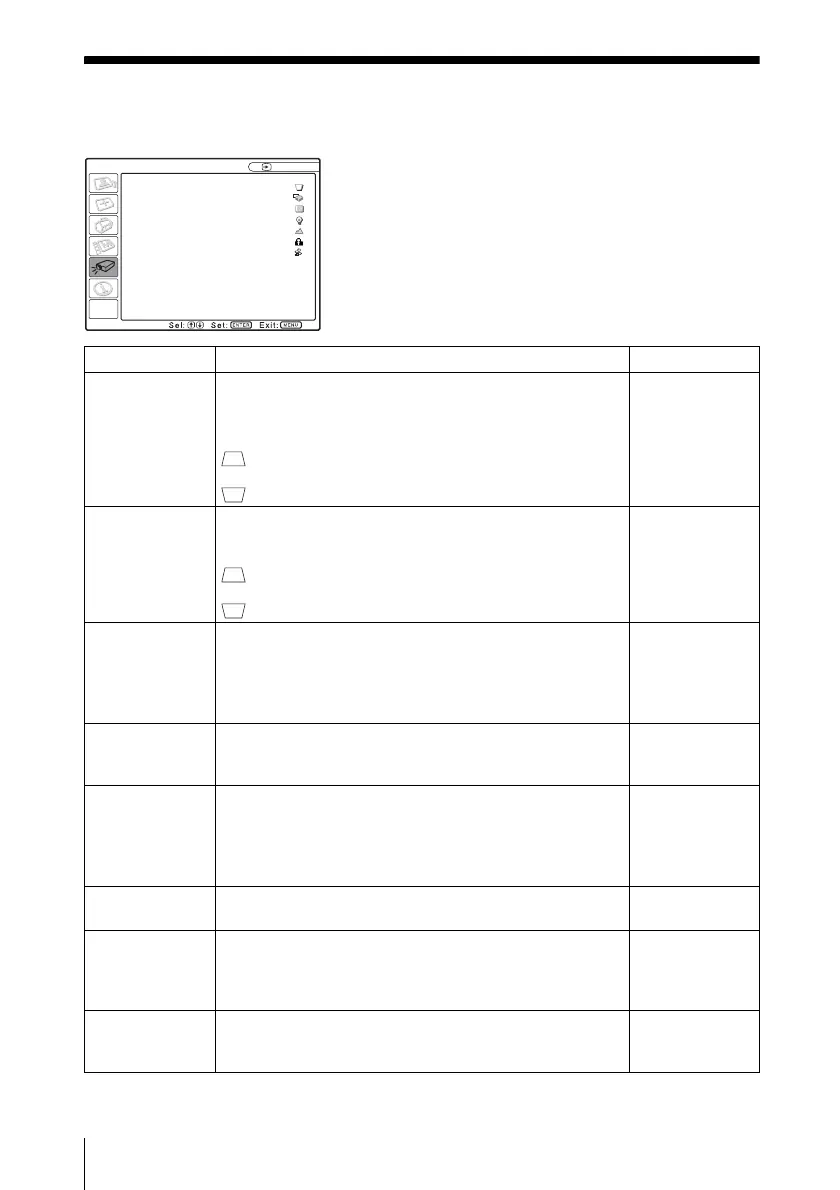
The INSTALL SETTING menu is used for changing the settings of the projector.
INSTALL SETTING
Input-A
V Keystone: Auto
Image Flip: Off
Background: Blue
Lamp Mode: Standard
High Altitude Mode
: Off
Security Lock: Off
Direct Power On: Off
Setting items Functions Initial setting
V Keystone
(VPL-EX50/
EX5/EW5 only)
Corrects the trapezoidal distortion caused by the projection
angle. Select “Auto” for automatic correction, or “Manual”
for manual correction using the v/V/b/B keys.
When the bottom of the trapezoid is longer than the top
: Sets a lower value.
When the top of the trapezoid is longer than the bottom
: Sets a higher value.
Auto
V Keystone
(VPL-ES5 only)
Corrects the trapezoidal distortion caused by the projection
angle using the v/V/b/B keys on the Remote Commander.
When the bottom of the trapezoid is longer than the top
: Sets a lower value.
When the top of the trapezoid is longer than the bottom
: Sets a higher value.
0
Image Flip Flips the image on the screen horizontally and/or vertically.
• HV: Flips the image horizontally and vertically.
• H: Flips the image horizontally.
• V: Flips the image vertically.
• Off: The image does not flip.
Off
Background Selects the background color of the screen when no signal
is input to the projector. Select “Black” or “Blue.”
Normally, set to “Blue.”
Blue
Lamp Mode
(VPL-EW5/
EX50 only)
Sets the lamp brightness used during the projection.
• High: Illuminates the projected image brightly.
• Standard: Reduces fan noise and power consumption.
The brightness of the projected image will be lower
compared with the “High” setting.
Standard
High Altitude
Mode
Set to “On” when the projector is used at an altitude of
1,500 m or higher.
Off
Security Lock Turns on the projector’s security lock function.
When set to “On,” turns on the security lock function,
which locks the projector once a password has been set.
For details, see “Security Lock” on page 26.
Off
Direct Power On Set to “On” if you are using a circuit breaker to turn the
power on/off the entire system. You can turn the power on/
off without pressing the power key on the projector.
Off




 To Next Page