Back Back to Top Print
Digital Music Player
NW-E393/E394/E395
Charging the battery
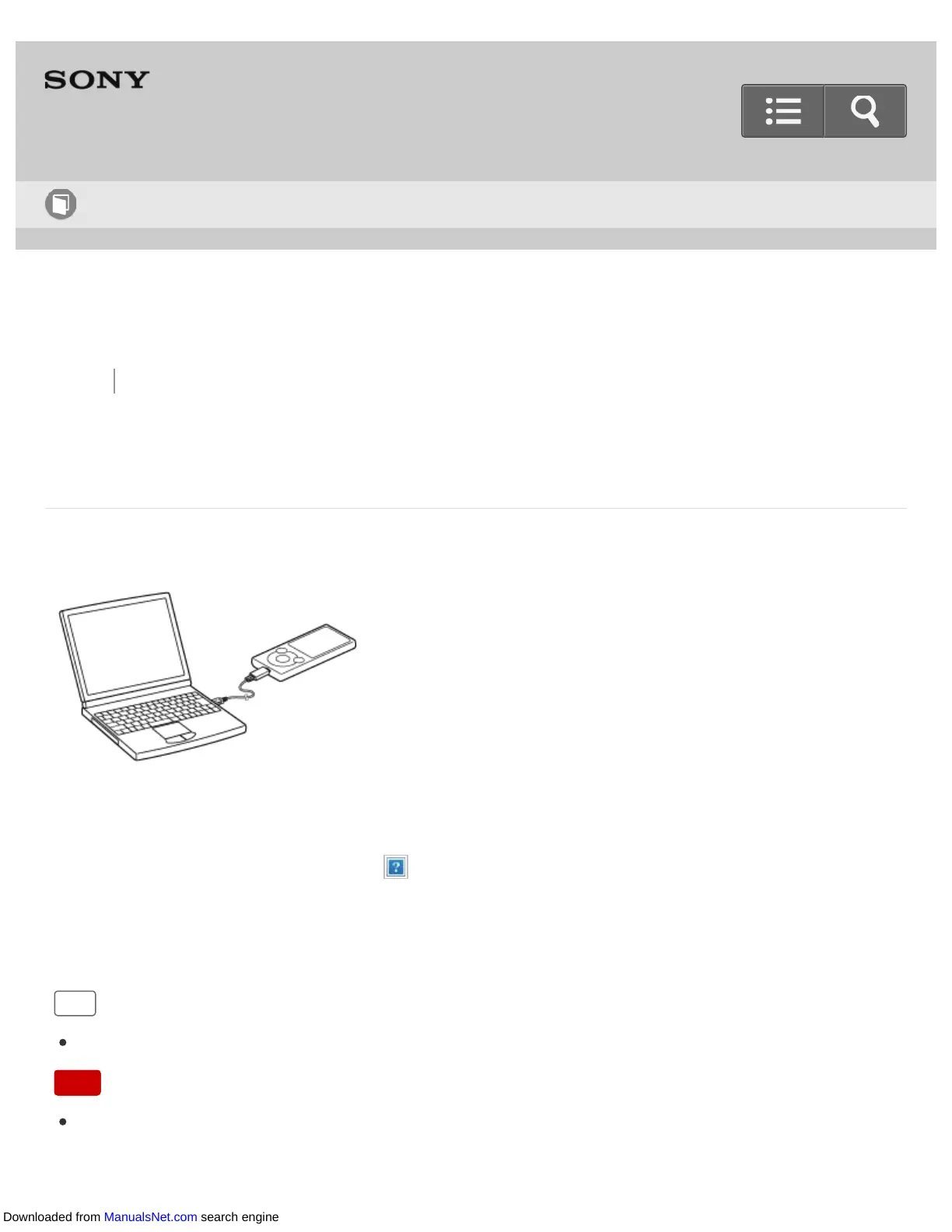
Charge your Walkman by connecting it to a computer.
1. Connect your Walkman to a running computer via USB.
The battery status icon shows when charging is complete.
2. Disconnect your Walkman from the computer when charging is complete.
Hint
For information about the time to fully charge the battery, see “Specifications.”
Note
When you charge your Walkman when it has not been used for a long period of time or
when you use it for the first time, your computer may not recognize it. The Walkman
Help Guide
How to Use
Downloaded from ManualsNet.com search engine











 To Next Page