Back Back to Top Print
Digital Music Player
NW-E393/E394/E395
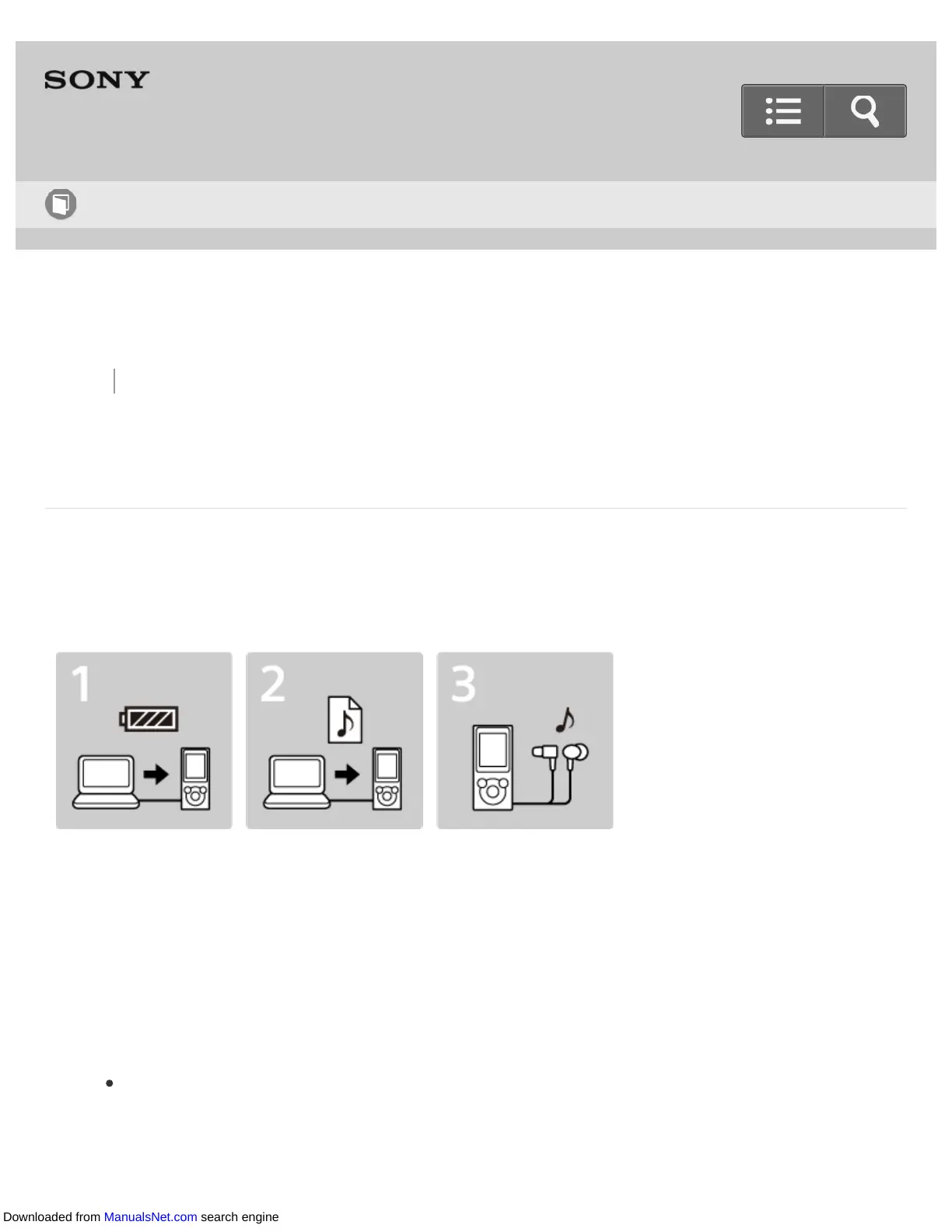
3 steps to listening to music
Be sure to charge the battery before you use your Walkman for the first time. You can
transfer music while charging the battery. You can listen to your music as soon as the
transfer has completed.
1. Connect your Walkman to a computer.
You can charge the battery by connecting your Walkman via a USB connection to a
computer that is turned on and running.
2. Import music to your computer and transfer the music to your Walkman.
For Windows users
Recommended: Install the latest version of Music Center for PC, which is available
on the Internet.
You can transfer music that you have imported from CDs to your Walkman.
Help Guide
How to Use
Downloaded from ManualsNet.com search engine












 To Next Page