Back Back to Top Print
Digital Music Player
NW-E393/E394/E395
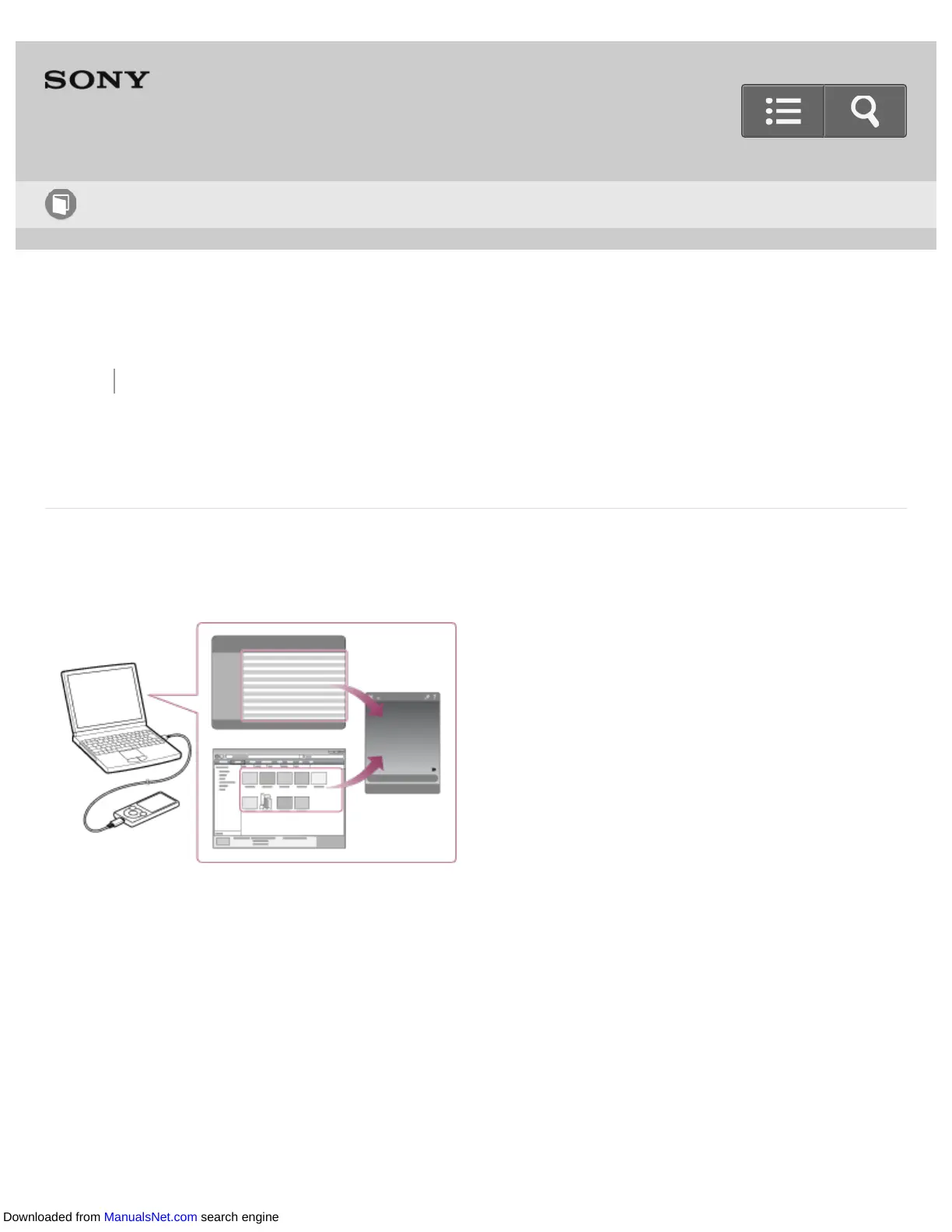
Transferring content using Content Transfer
Transfer content such as music or playlists on your Mac computer or managed with iTunes
to your Walkman. Content with copyright protection cannot be transferred.
1. Connect your Walkman to a running computer via USB, and then start Content
Transfer.
2. Display the desired content on the Finder or the desired content or playlists on
iTunes.
3. Drag-and-drop the content or playlists you want to transfer to Content Transfer.
Content is transferred to your Walkman.
Help Guide
How to Use
Downloaded from ManualsNet.com search engine












 To Next Page