Back Back to Top Print
Digital Music Player
NW-E393/E394/E395
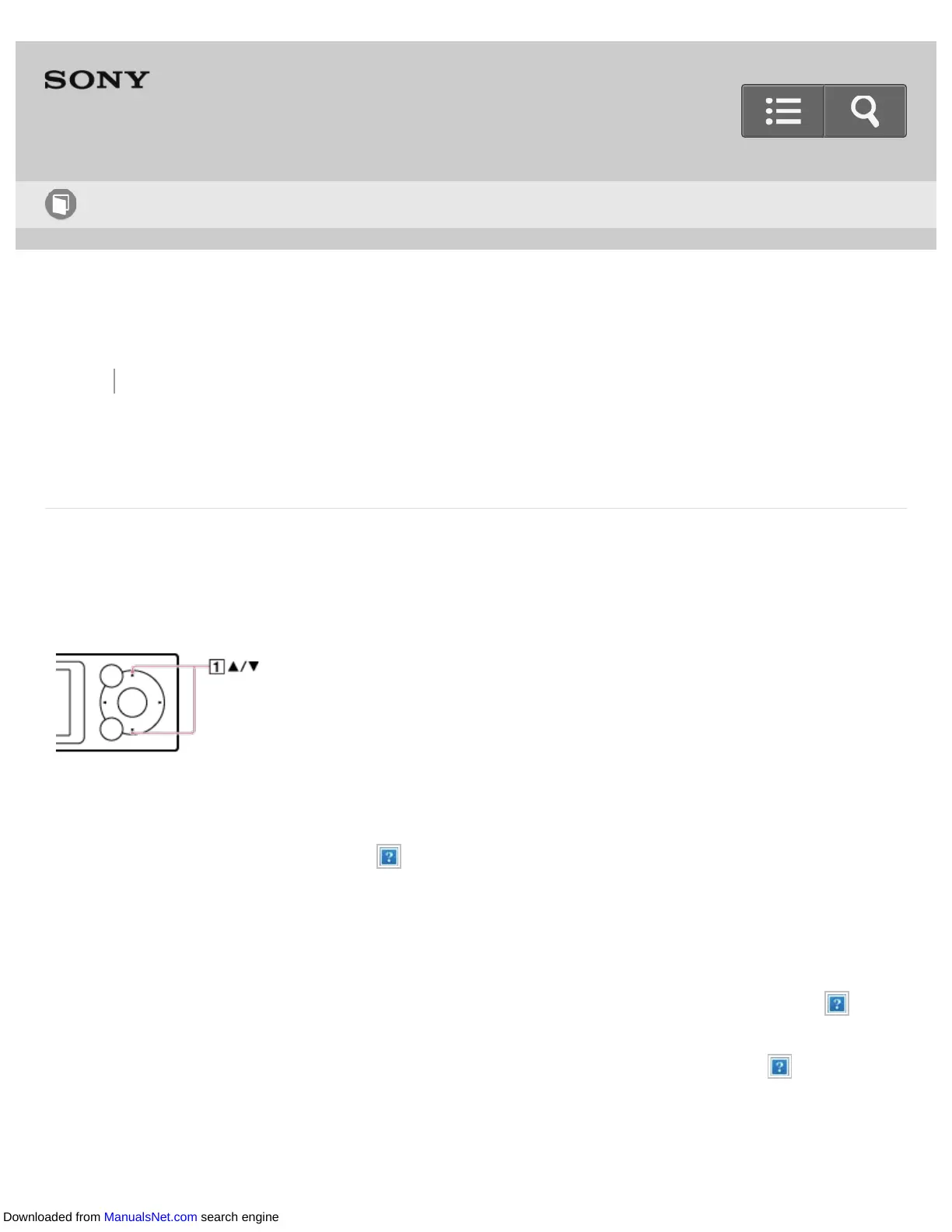
Changing the photo information display setting
You can set your Walkman to display or not display photo information while playing back
photos.
1. From the Home menu, select [Settings].
2. Select [Photo Settings] - [Display] - desired setting.
On :
Photo information is displayed for every photo you view. It automatically disappears
after 3 seconds of no user operation and reappears when you press a button ( ).
Off:
Photo information is not displayed. It appears when you press a button ( ) but
disappears automatically after 3 seconds of no user operation.
Help Guide
How to Use
Downloaded from ManualsNet.com search engine












 To Next Page