Back Back to Top Print
Go to Page Top
Digital Music Player
NW-E393/E394/E395
Connecting to a computer
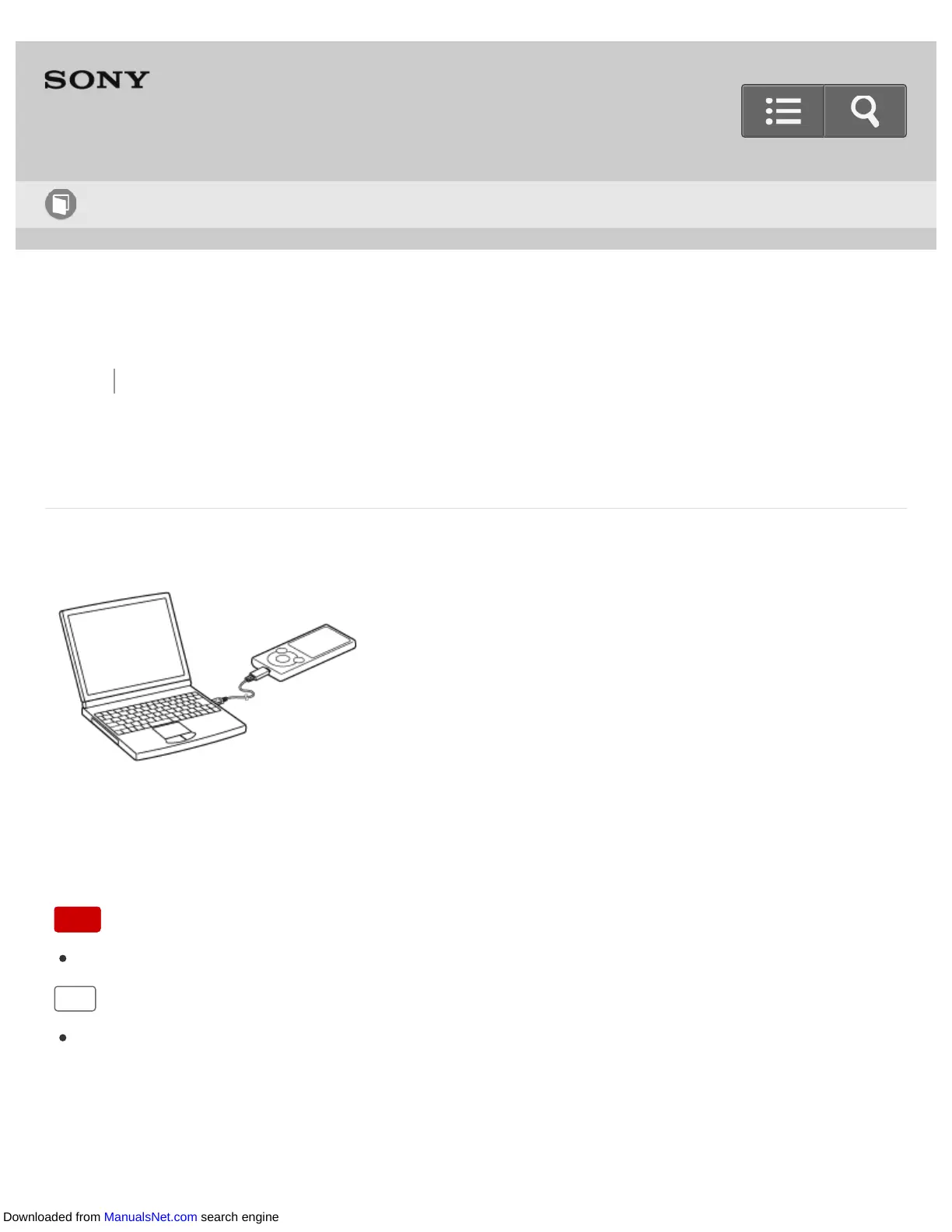
Connect your Walkman to a computer via USB to charge the Walkman or transfer data.
1. Connect your Walkman to a running computer via USB.
Note
You cannot operate your Walkman when it is connected to a computer.
Hint
If you are prompted to make a Windows operation, click “Cancel” or “×.”
Help Guide
How to Use
Downloaded from ManualsNet.com search engine












 To Next Page