Back Back to Top Print
Go to Page Top
Digital Music Player
NW-E393/E394/E395
Turning the power on
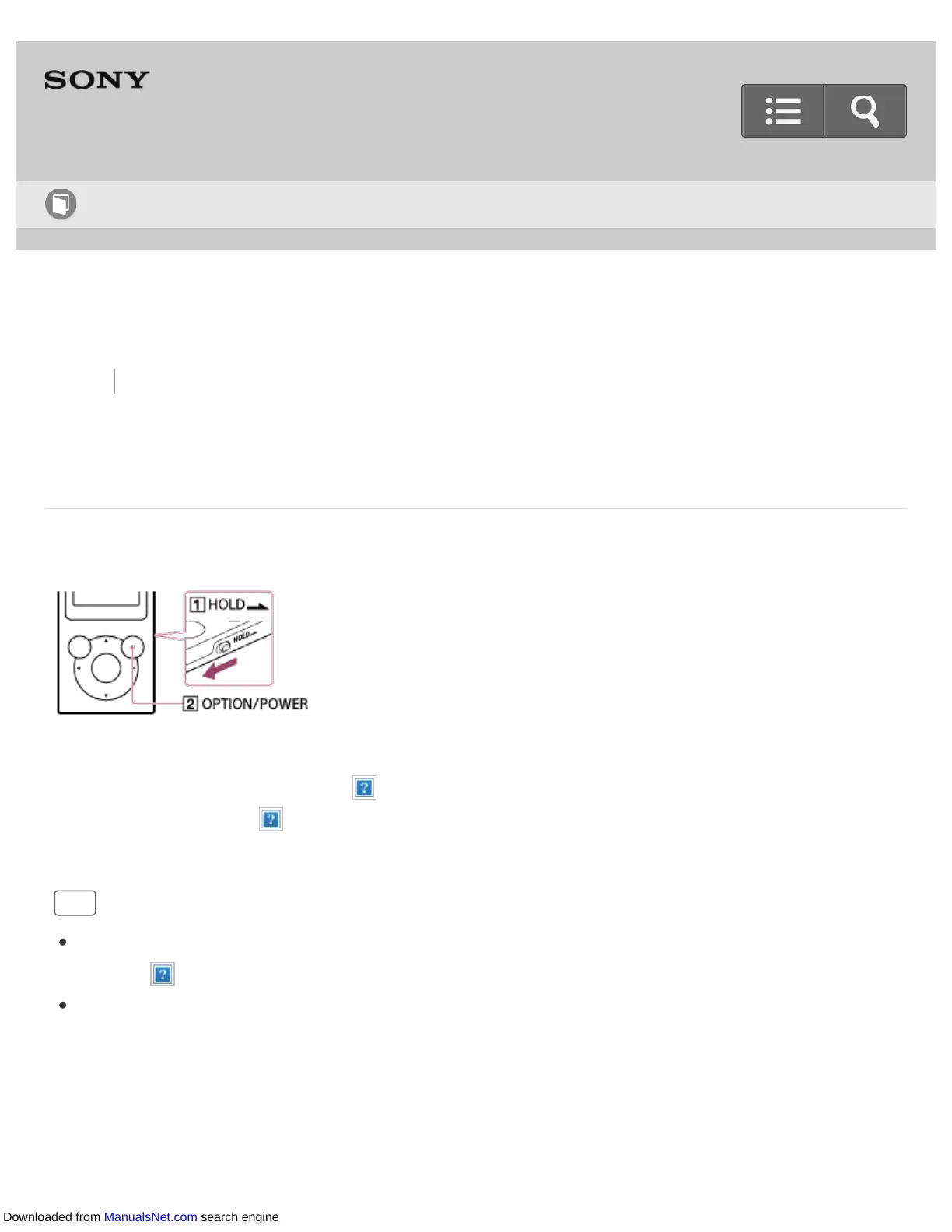
Turn on the power to start your Walkman.
1. Press and hold the button ( ).
Slide the switch ( ) to unlock the Walkman when you want to operate it.
Hint
If there is no operation, the screen will be turned off. To turn on the screen, press the
button ( ).
If there is no operation for an extended period, your Walkman will be turned off
automatically. When you turn on the Walkman again, it will take a while before the
power comes on.
Help Guide
How to Use
Downloaded from ManualsNet.com search engine











 To Next Page