Back Back to Top Print
Digital Music Player
NW-E393/E394/E395
Playing music
Play music transferred to your Walkman.
1. From the Home menu, select [Music].
2. Select the desired search method and items until a song list appears, and then select
the desired song.
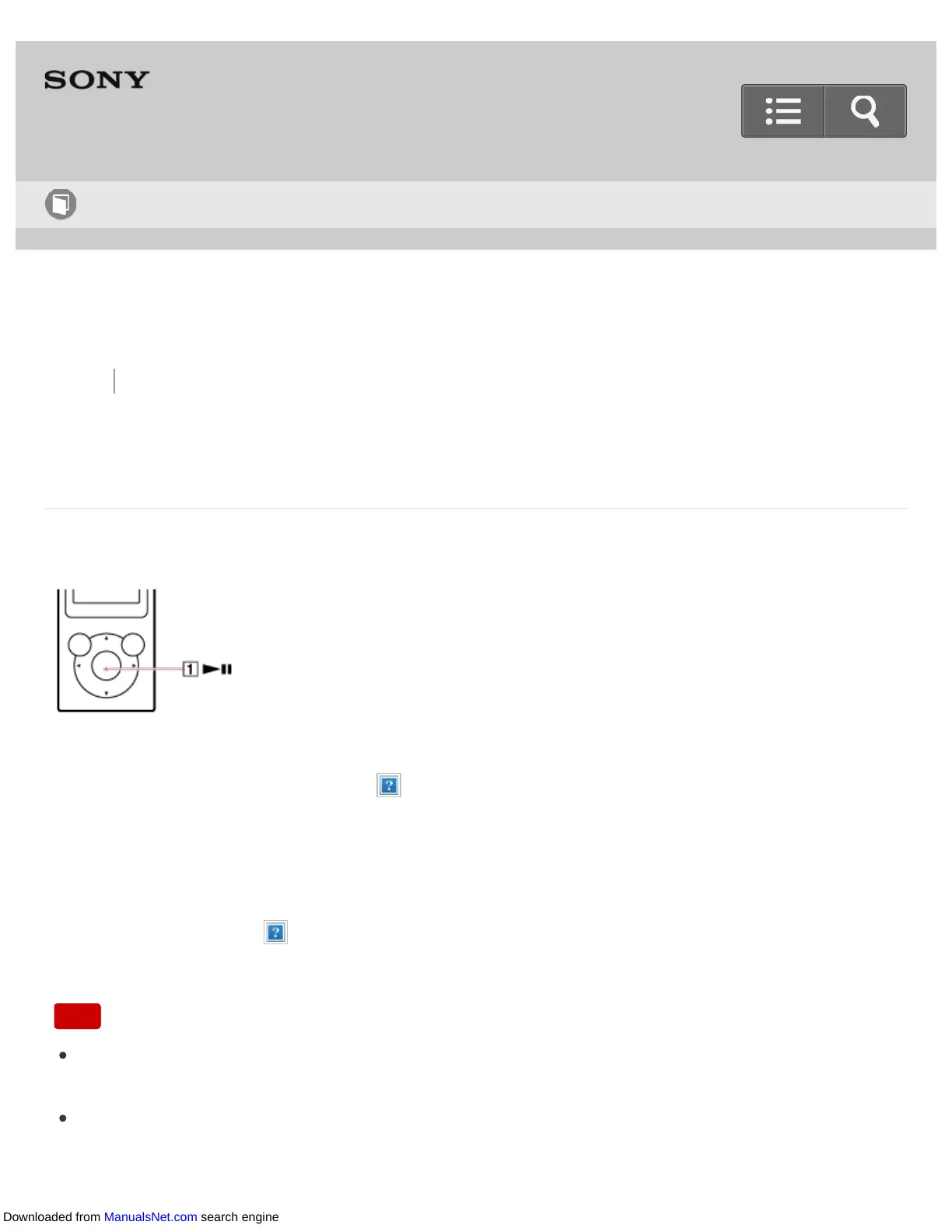
Playback starts and the music playback screen is displayed. To pause playback,
press the button ( ).
Note
If there is no operation for an extended period while paused, your Walkman will be
turned off automatically. In this case, turn on the power before performing step 1 above.
Depending on the way of transferring songs to your Walkman, songs might be played in
different order from the song order on your computer. When you specify a song order
Help Guide
How to Use
Downloaded from ManualsNet.com search engine











 To Next Page