Advanced Operations
25
Setting the repeat count
You can set the repeat counts (1-9) for each
sentence in Sentence Repeat mode (Sentence
Rep).
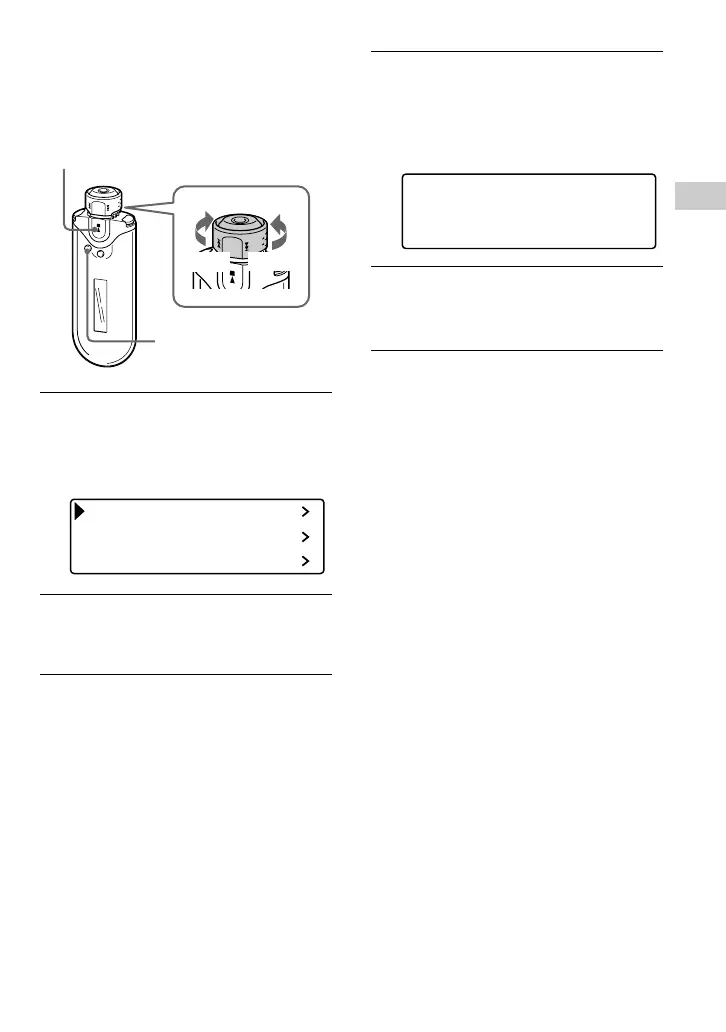
1 Press and hold the SEARCH/
MENU button for half a second in
stop mode.
The menu screen is displayed.
Repeat Mode
Sound
Volume Mode
2 Rotate the Shuttle switch to select
“Repeat Mode>” and press the
Nx button to confirm.
3 Rotate the Shuttle switch to select
“Sentence Rep” and press the
Nx button to confirm.
The value of “Repeat Count” is
displayed in [ ].
Repeat Count
[2]
4 Rotate the Shuttle switch to select
the desired repeat count and
press the Nx button to confirm.
To cancel the Menu mode
Press the SEARCH/MENU button to return the
screen to the previous stage. Press repeatedly to exit
menu mode.
Nx button
SEARCH/
MENU button
Shuttle switch
to >
to .











 To Next Page