28
Adjusting the
treble and bass
(Digital sound
preset)
You can adjust the treble and bass. You can
preset two settings, which can be selected
during playback.
Selecting the Sound quality
Default settings
Sound Sound 1 Sound 2 Sound OFF
quality
( 1) ( 2)
(NORMAL SOUND)
Bass +1 +3 ±0
Treble ±0 ±0 ±0
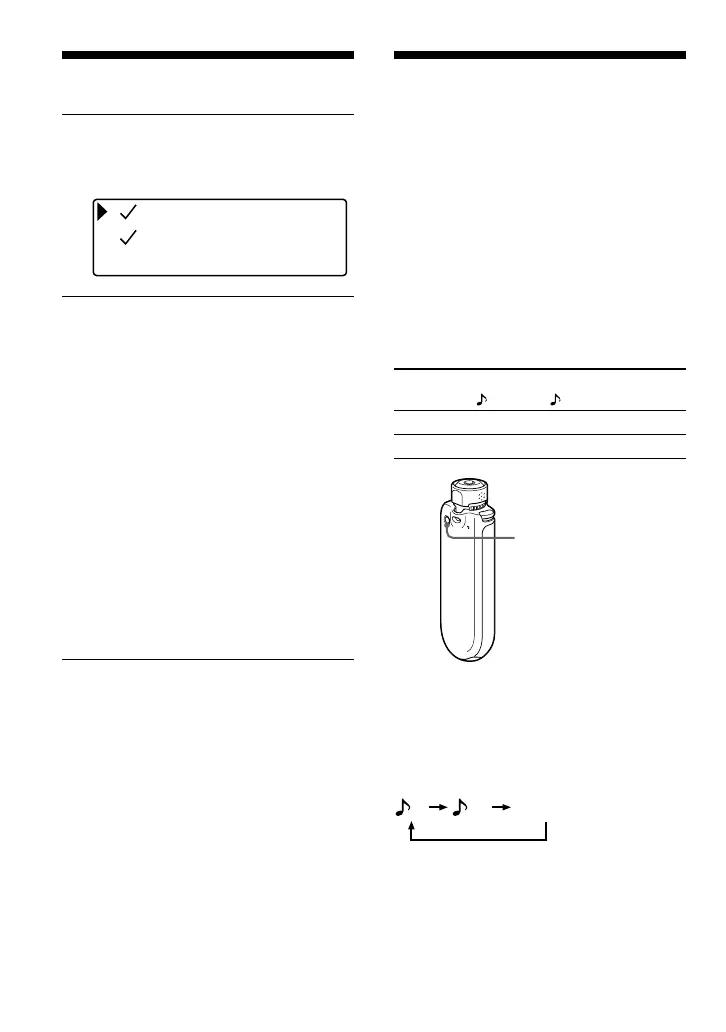
Press and hold the REPEAT/
SOUND button for half a second.
The Sound quality setting is changed as
follows:
12
To return to the normal Sound quality
Select “Sound OFF (none)”.
Sound OFF (none)
2 Rotate the Shuttle switch to select
“Display Screen>”, and press the
Nx button to confirm.
Property
Lap Meter
Clock
3 Set the check marks for
“Property”, “Lap Meter”, “Clock”,
and “Bubble” screen.
1 Rotate the Shuttle switch to select
“Property” and press the Nx
button to confirm.
2 Rotate the Shuttle switch to select
“Lap Meter” and press the Nx
button to confirm.
3 Rotate the Shuttle switch to select
“Clock” and press the Nx button
to confirm.
4 Rotate the Shuttle switch to select
“Bubble” and press the Nx button
to confirm.
If a check is already marked, the above
steps will uncheck it.
To cancel the Menu mode
Press the SEARCH/MENU button to return the
screen to the previous stage. Press repeatedly to exit
menu mode.
REPEAT/SOUND
button
Changing the display mode











 To Next Page