NWZ-E435F / E436F / E438F.GB. 4-109-569-11 (1)
Playing Photos
58
58
Press the /// button to select the desired setting, and then
press the
button to conrm.
“V
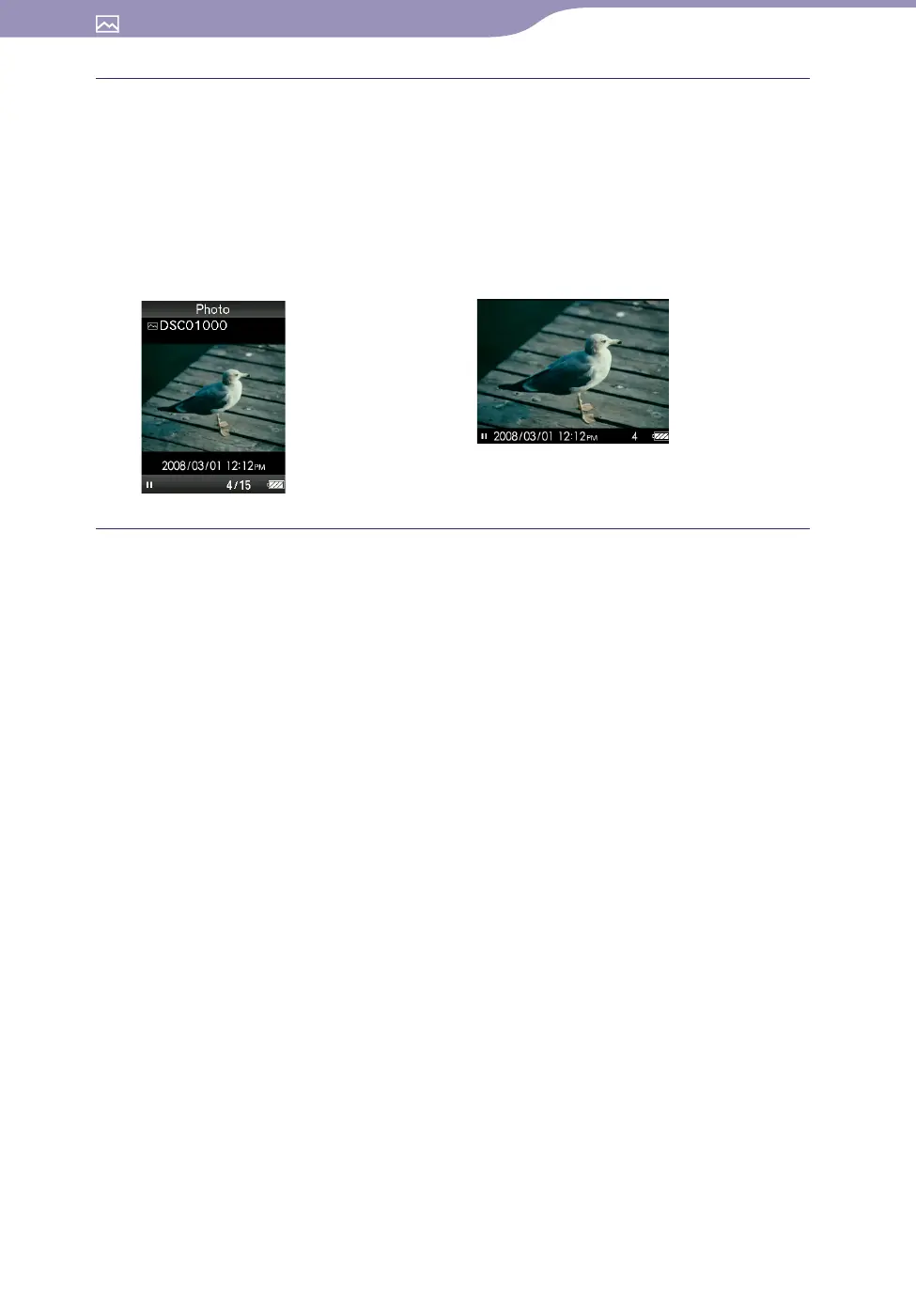
ertical”: Displays at 240 × 320 pixels. (Default setting)
“H
orizontal (right)” or “Horizontal (left)”: Displays at 320 × 240 pixels.
The operation of the 5-way button is switched according to the setting of
“Photo Orientation” (
page 19).
“Vertical” “Horizontal”
Hint
The photo orientation can be set on the “Now Playing” screen of the photo. Press the
OPTION/PWR OFF button, and select “Photo Orientation” from the option menu.










 To Next Page