If passkey (*) input is required on the display of the computer, input “0000.”
The headset and computer are paired with each other and connected. You will hear a voice guidance
“BLUETOOTH connected”.
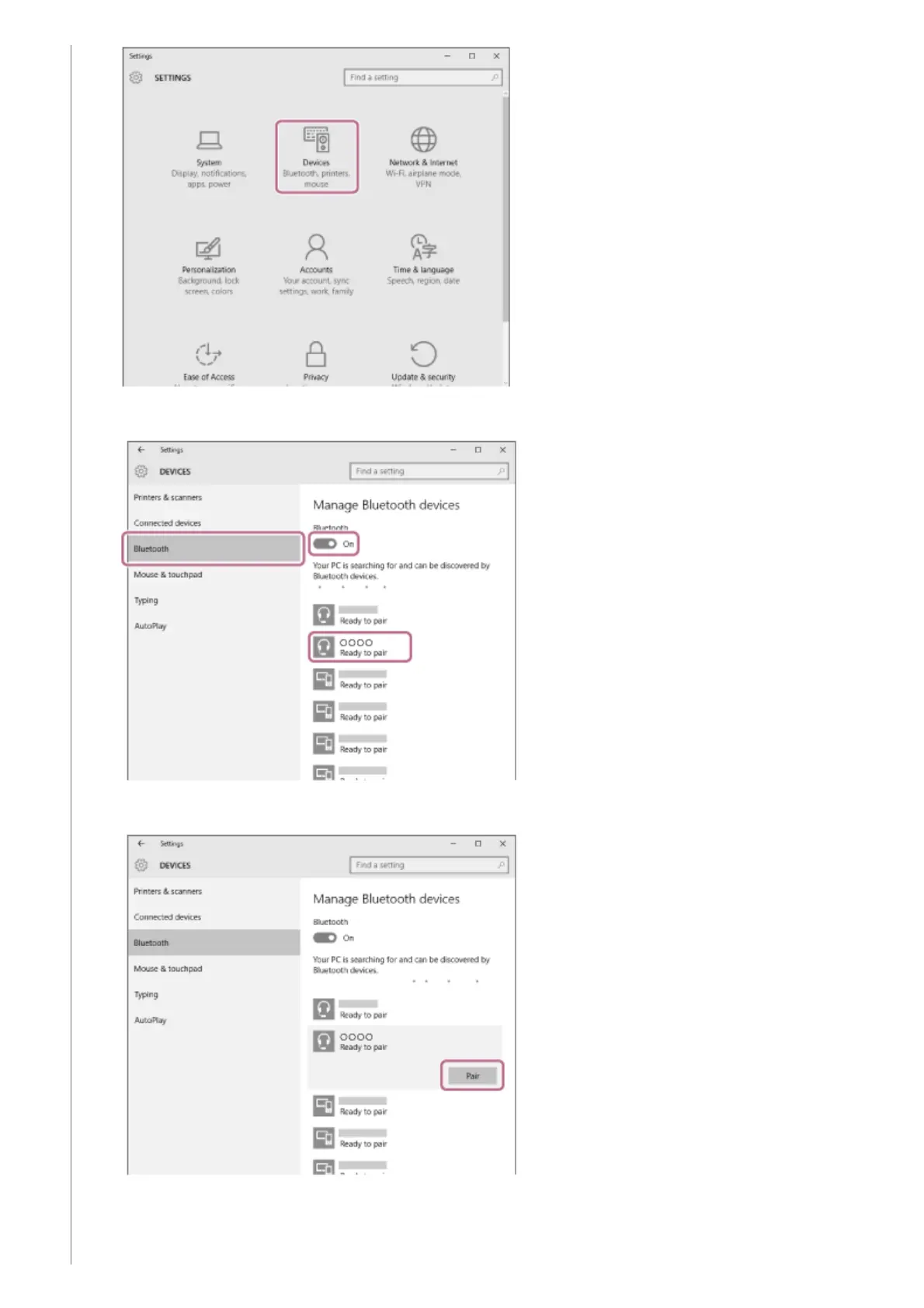
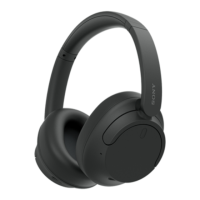
Click the [Bluetooth] tab, then click the [Bluetooth] button to turn on the Bluetooth function.
3.
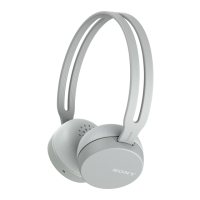
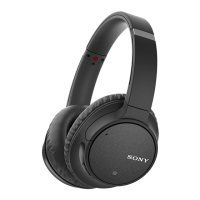
Select [WH-CH700N], then click [Pair].
4.


 To Next Page