24
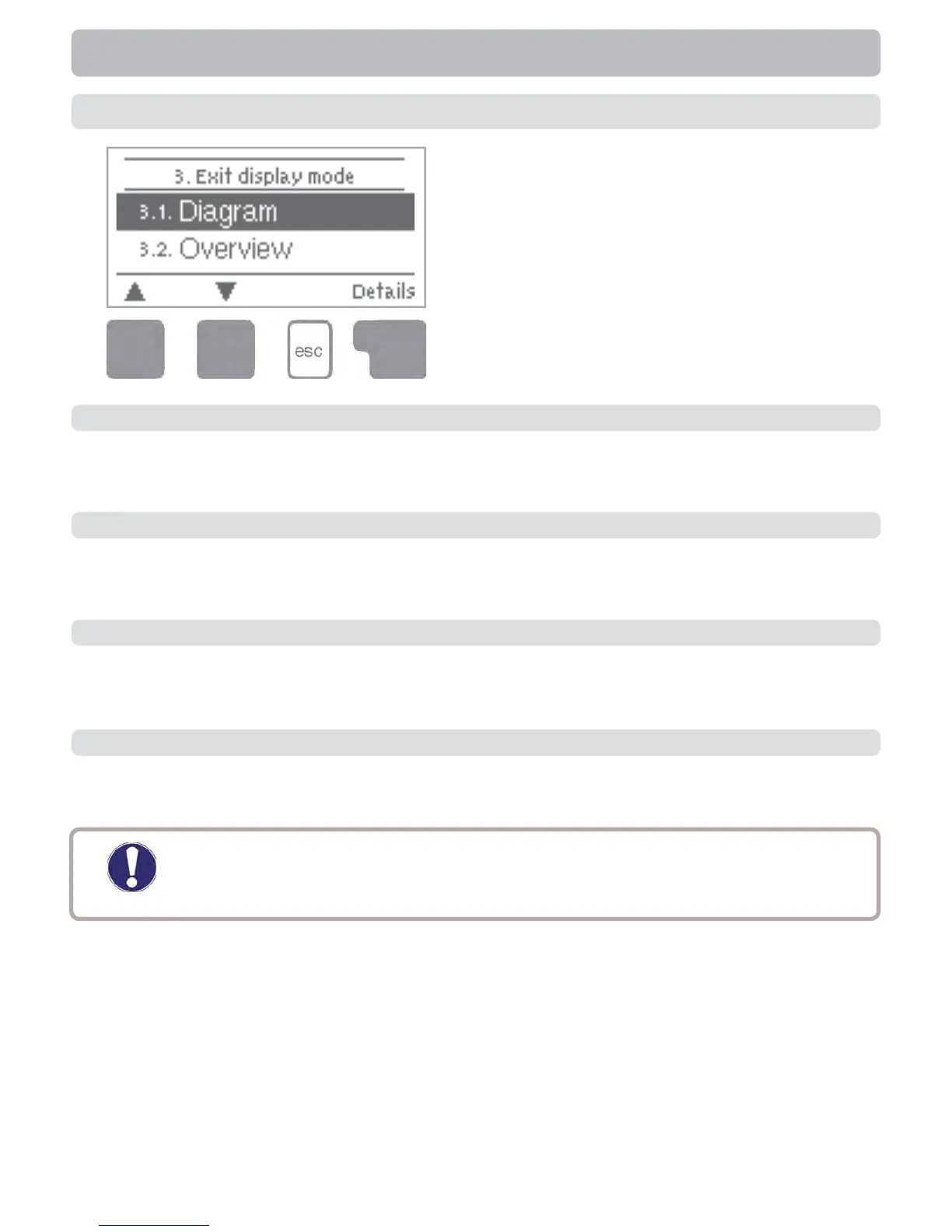
Menu “3. Display mode” is used to defi ne
the controller’s display for normal opera-
tion. This display appears whenever two
minutes go by without any key being
pressed. The main menu appears again
when a key is pressed. The menu is
closed by pressing “esc” or selecting “Exit
display mode”.
Display mode
3. - Display mode
3.1. - Schematic
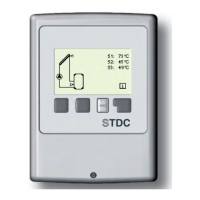
In graphics mode, the selected hydraulic systems are depicted graphically with the
measured temperatures and operating states of the connected consumers.
3.2. - Overview
In overview mode, the measured temperatures and operating states of the connected consum-
ers are depicted in text form.
3.3. - Alternating
In alternating mode the schematic mode and then the overview mode are active for 5
seconds at a time.
3.4. - Eco Mode
Eco mode switches the backlight of the display off after 2 minutes of inactivity.
Default: Off
Caution
If a message (e.g. error) is shown, the backlight stays on until the message
was read.



 To Next Page