7
Description of controller
B.3. - About the controller
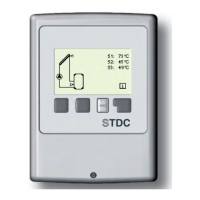
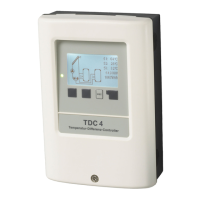
The Temperature Difference Controller STDC facilitates effi cient use and function
control of your solar or heating system. The device is impressive most of all for its func-
tionality and simple, self-explanatory operation. For each step in the input process the
individual entry keys are assigned to appropriate functions and explained. The control-
ler menu contains headwords for the measured values and settings, as well as help
texts or clearly-structured graphics.
The STDC can be used as a temperature difference controller for the various system
variants illustrated and explained under B.5.
Important characteristics of the STDC :
- Depiction of graphics and texts in a lighted display
- Simple viewing of the current measurement values
- Analysis and monitoring of the system by means of statistical graphics,etc.
- Extensive setting menus with explanations
- Menu block can be activated to prevent unintentional changes of settings
- Resetting to factory settings
This manual applies to the following different hardware versions:
STDC Version 1
3 temperature sensor inputs
1 relay output 230 AC (on/off)
STDC Version 2
3 temperature sensor inputs
1 electronic relay output 230 AC (for speed control of standard pumps)
STDC Version 3
3 temperature sensor inputs
1 relay output 230 AC (on/off)
1 PWM/0-10V output (for speed control of high effi ciency pumps)
STDC Version 4
3 temperature sensor inputs
1 electronic relay output 230 AC (for speed control of standard pumps)
1 PWM/0-10V output (for speed control of high effi ciency pumps)
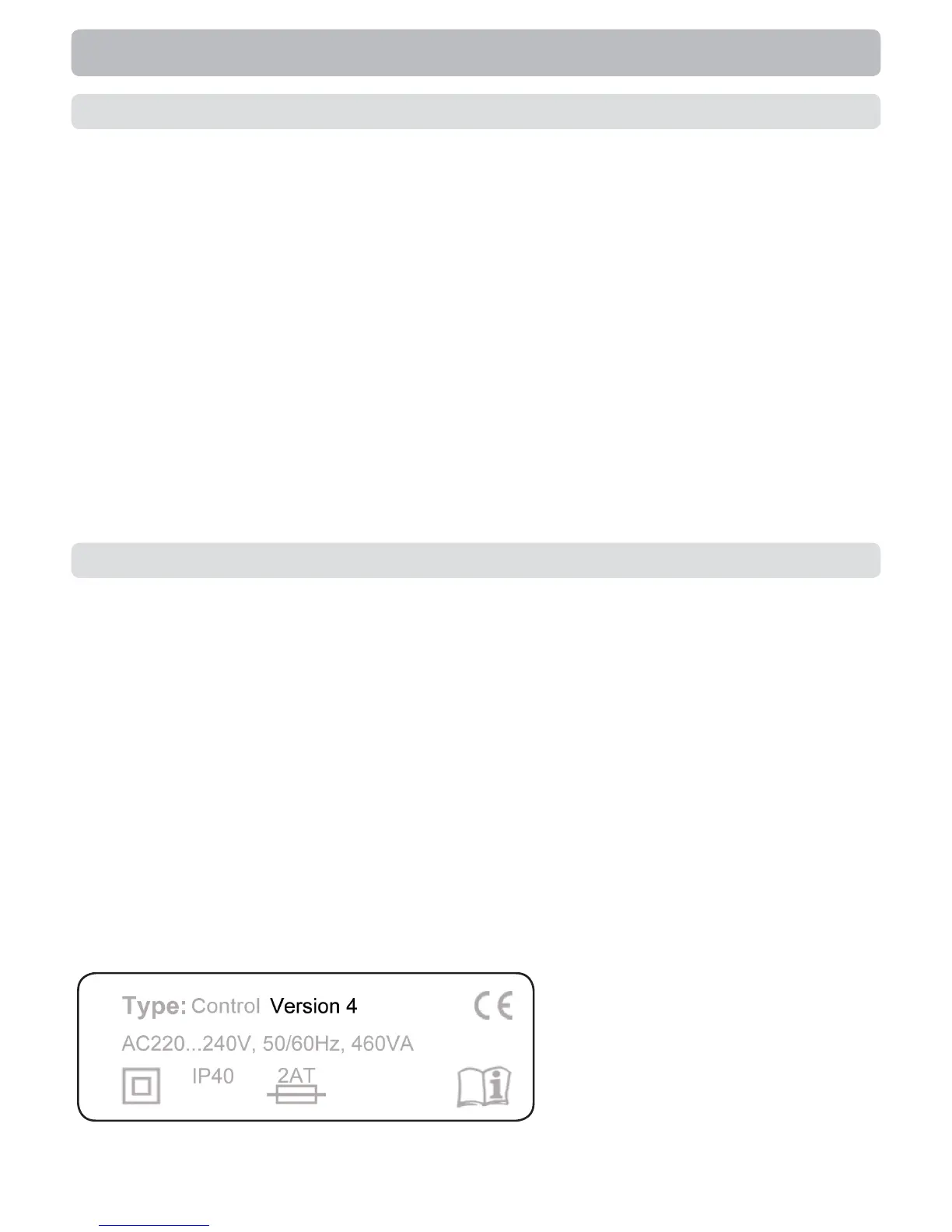
If the version is not readable here, open the controller’s “Service values” menu.
The version is shown in the fi rst line of the service values.
When you are unsure which
version you have, check the
type label on the side of the
controller.
B.4. - Versions



 To Next Page