33
7. - Special functions
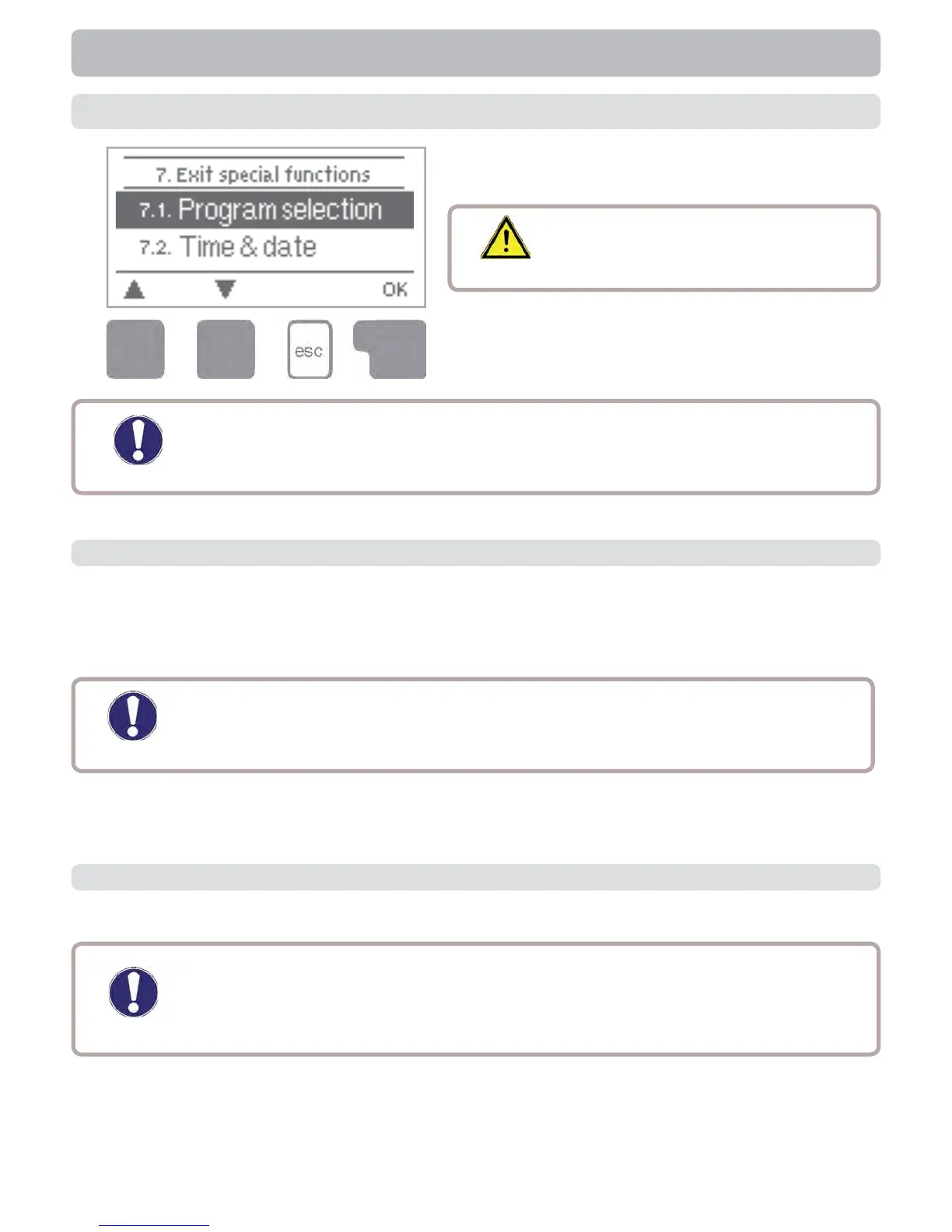
Menu “7. Special functions” is used to set
basic items and expanded functions.
The menu is closed by pressing “esc” or
selecting “Exit special functions”.
Caution
Other than the time all settings
may only be made by a specialist.
Special functions
7.1. - Program selections
The suitable hydraulic variant for the specifi c application is selected and set here (see
section D: Hydraulic variants). The associated diagram can be displayed by pressing
“info”.
Setting range: 1-9 / default value: 1
Caution
Normally the program selection is made only once during initial
commissioning by the specialist. Incorrect program selection can lead to
unpredictable errors.
Caution
Menu enumerations may vary according to STDC version used.
When selecting this submenu, you may be prompted to save the speed
control settings.
This menu contains the settings for 0-10V or PWM pump.
7.2. - Signal V1 (only STDC Version 3 + 4)
Caution



 To Next Page