44
9. - Service values
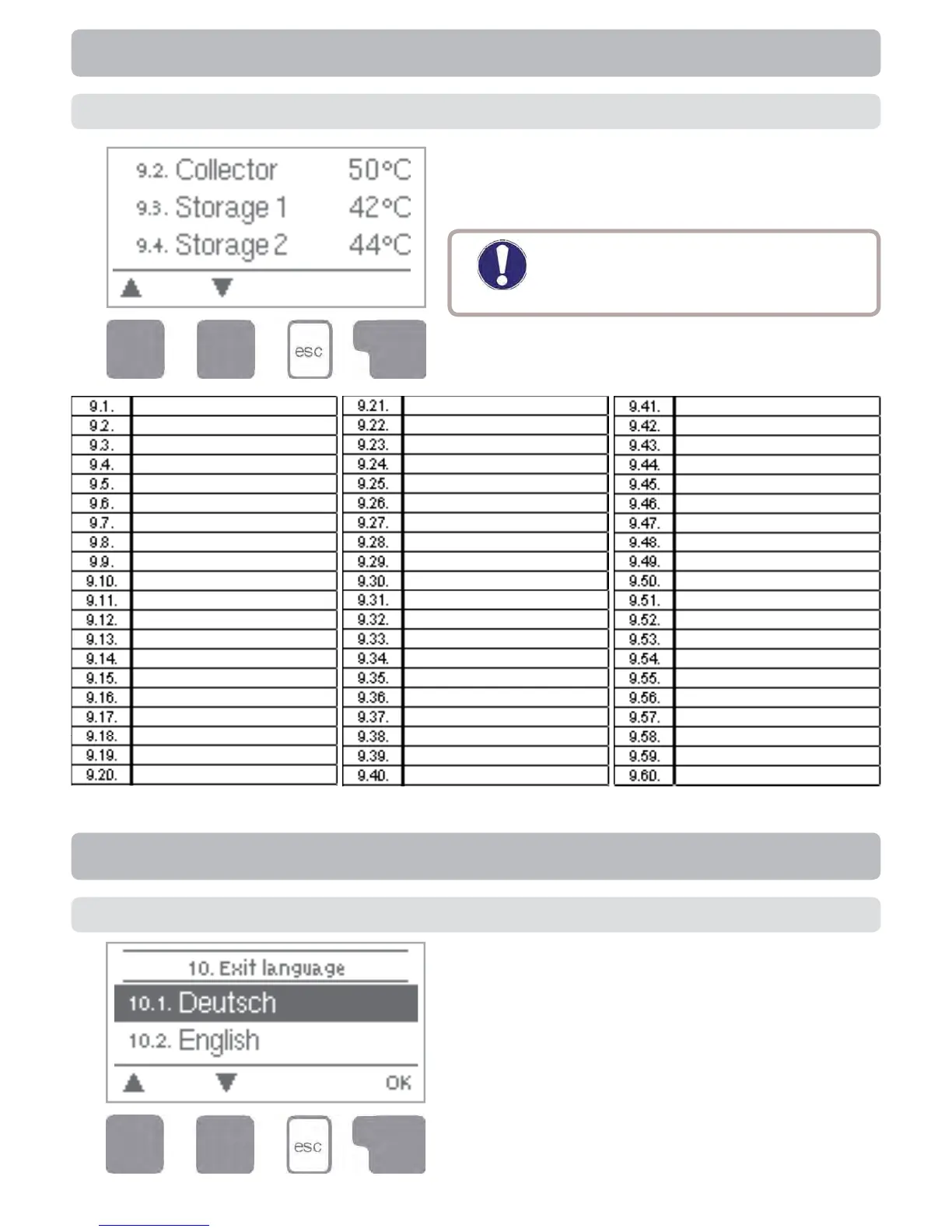
The menu “9. Service values” can be used
for remote diagnosis by a specialist or the
manufacturer in the event of an error, etc.
Caution
Enter the values at the time when
the error occurs e.g. in the table.
The menu can be closed at any time by
pressing “esc”.
Service values
Menu “10. Language” can be used to se-
lect the language for the menu guidance.
This is queried automatically during initial
commissioning. The choice of languages
may differ, however, depending on the
device design. Language selection is not
available in every device design!
10. - Language
Language



 To Next Page