28
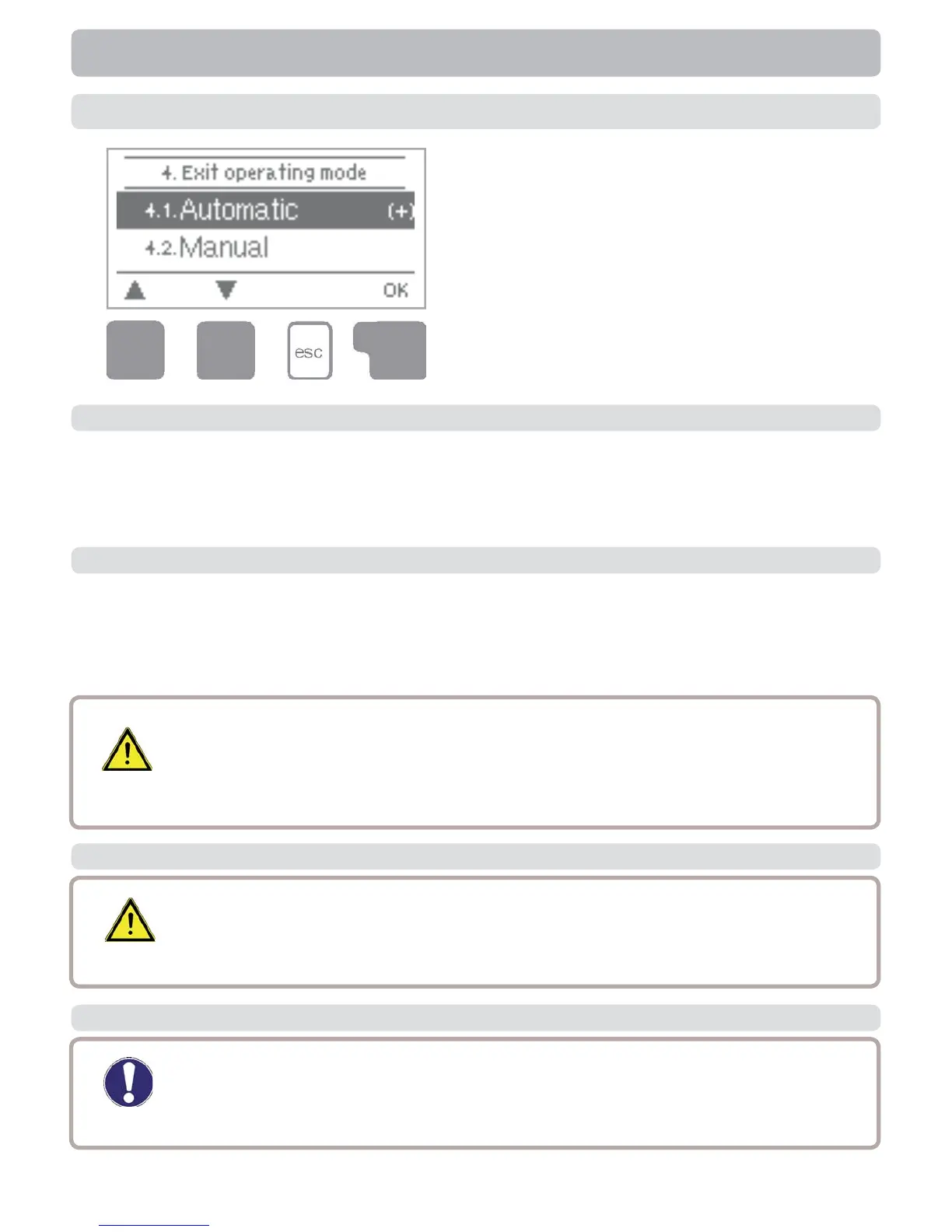
4. Operating modes
In menu “4. Operating modes” the con-
troller can either be placed in automatic
mode, switched off, or placed in a manual
operating mode.
The menu is closed by pressing “esc” or
selecting “Exit operating modes”.
4.2 Manual
Automatic mode is the normal operating mode of the controller. Only automatic mode
provides proper controller function taking into account the current temperatures and
the parameters that have been set! After an interruption of the mains voltage the con-
troller automatically returns to the last operating mode selected!
4.1 Automatic
Operating modes
The relay and thus the connected consumer are switched on and off by pressing a
key, with no regard to the current temperatures and the parameters which have been
set. The measured temperatures are also shown to provide an overview and function
control.
4.3 Off
4.4 Fill system
When the operating mode “Off” is activated, all controller functions are
switched off. This can lead, for example, to overheating on the solar
collector or other system components. The measured temperatures are
sstill displayed to provide an overview.
This special operating mode is intended only for the fi lling procedure for
a special “Drain Master System” with a fi ll level contact parallel to col-
lector sensor S1. The instructions on the display must be followed when
fi lling the system. Be sure to terminate the function when fi nished!
Caution
Danger
When operating mode “Manual” is activated, the current temperatures
and the selected parameters are no longer considered. There is a dan-
ger of scalding or serious damage to the system. The operating mode
“Manual” may only be used by specialists for brief function tests or dur-
ing commissioning!
Caution


 To Next Page