29
Various settings can be made depending on the selection of hydraulic variant
1-20. This is explained in more detail in Table 5.17. This table also indicates the
associated reference sensors and switch outputs. The following pages contain
generally valid descriptions for the settings.
Caution
Enable/start temperature at sensor 2
If this value is exceeded at sensor 2 and the other conditions are also met, then the
controller switches the associated pump and/or valve on. If the temperature at sen-
sor 2 drops below this value by 5°C, then the pump and/or the valve are switched off
again.
Setting range: from 0°C to 99°C/default setting: 40°C
Enable/start temperature at sensor 3
If this value is exceeded at sensor 3 and the other conditions are also met, then the
controller switches the associated pump and/or valve on. If the temperature at sen-
sor 3 drops below this value by 5°C, then the pump and/or the valve are switched off
again.
Setting range: from 0°C to 99°C/default setting: 20°C
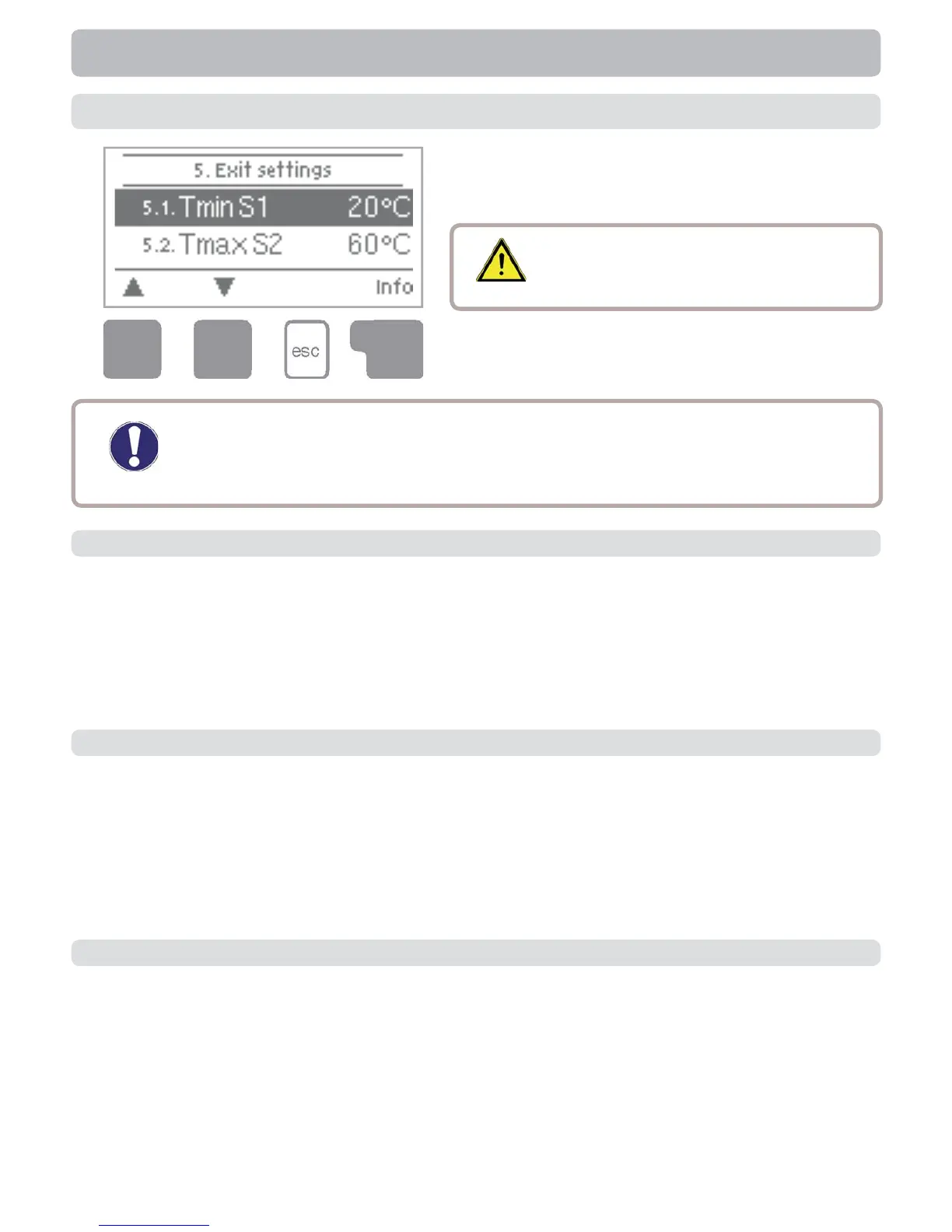
5. Settings
The necessary basic settings required for
the control function are made in menu “5.
Settings”.
5.1 Tmin S1
5.2 Tmin S2
5.3 Tmin S3
Enable/start temperature at sensor 1
If this value is exceeded at sensor 1 and the other conditions are also met, then the
controller switches the associated pump and/or valve on. If the temperature at sen-
sor 1 drops below this value by 5°C, then the pump and/or the valve are switched off
again.
Setting range: from 0°C to 99°C/default setting: 20°C
Caution
This does not under any circumstances
replace the safety facilities to be
provided by the customer!
The menu is closed by pressing “esc” or select-
ing “Exit settings”.
Settings


 To Next Page