39
Special functions
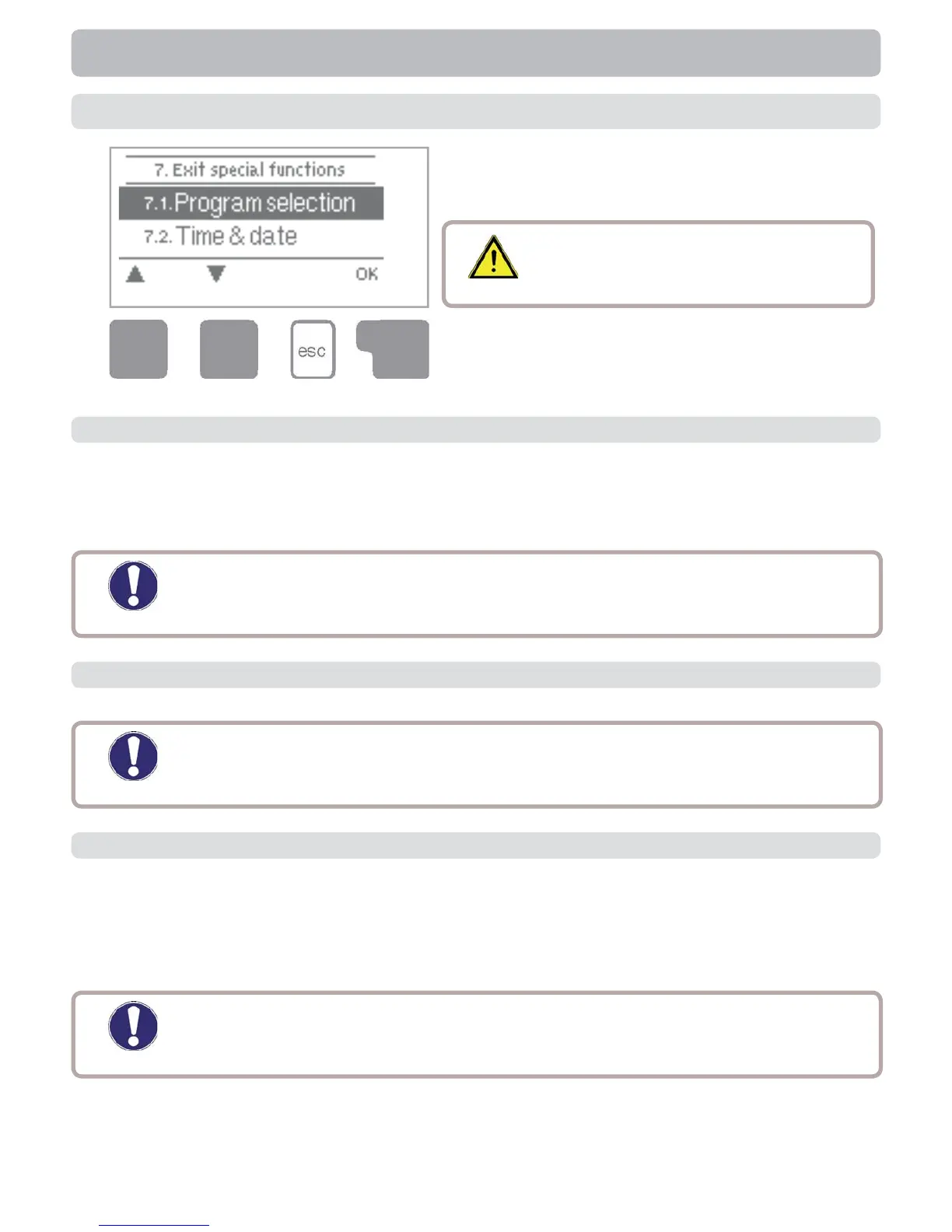
Menu “7. Special functions” is used to set basic
items and expanded functions.
The menu is closed by pressing “esc” or select-
ing “Exit special functions”.
7. Special functions
Caution
Other than the time all settings may
only be made by a specialist.
The suitable hydraulic variant for the specifi c application is selected and set here (see
B.5 Hydraulic variants). The associated diagram can be displayed by pressing “info”.
Setting range: 1-15/default setting: 1
7.1 Program selections
Caution
Normally the program selection is made only once during initial com-
missioning by the specialist. Incorrect program selection can lead to
unpredictable errors.
This menu is used to set the current time and date.
7.2 Time & date
Caution
For analysis of the system data it is essential for the time to be set accurately
on the controller. Please note that the clock does not continue to run if the mains
voltage is interrupted, and must therefore be reset.
Deviations in the temperature values displayed, for example due to cables which are to
long or sensors which are not positioned optimally, can be compensated for manually
here. The settings can be made for each individual sensor in steps of 0.5°C.
Offset S1...S3 per setting range: -100 to +100 (translates to -50°C...+50°C)
Default setting: 0
7.3 Sensor calibration
Caution
Settings are only necessary in special cases at the time of initial com-
missioning by the specialist. Incorrect measurement values can lead to
unpredictable errors.


 To Next Page