44
The menus listed below remain completely accessible despite the menu lock being
activated, and can be used to make adjustments if necessary:
1. Measurement values
2. Analysis
3. Display mode
7.2. Time&date
8. Menu lock
9. Service values
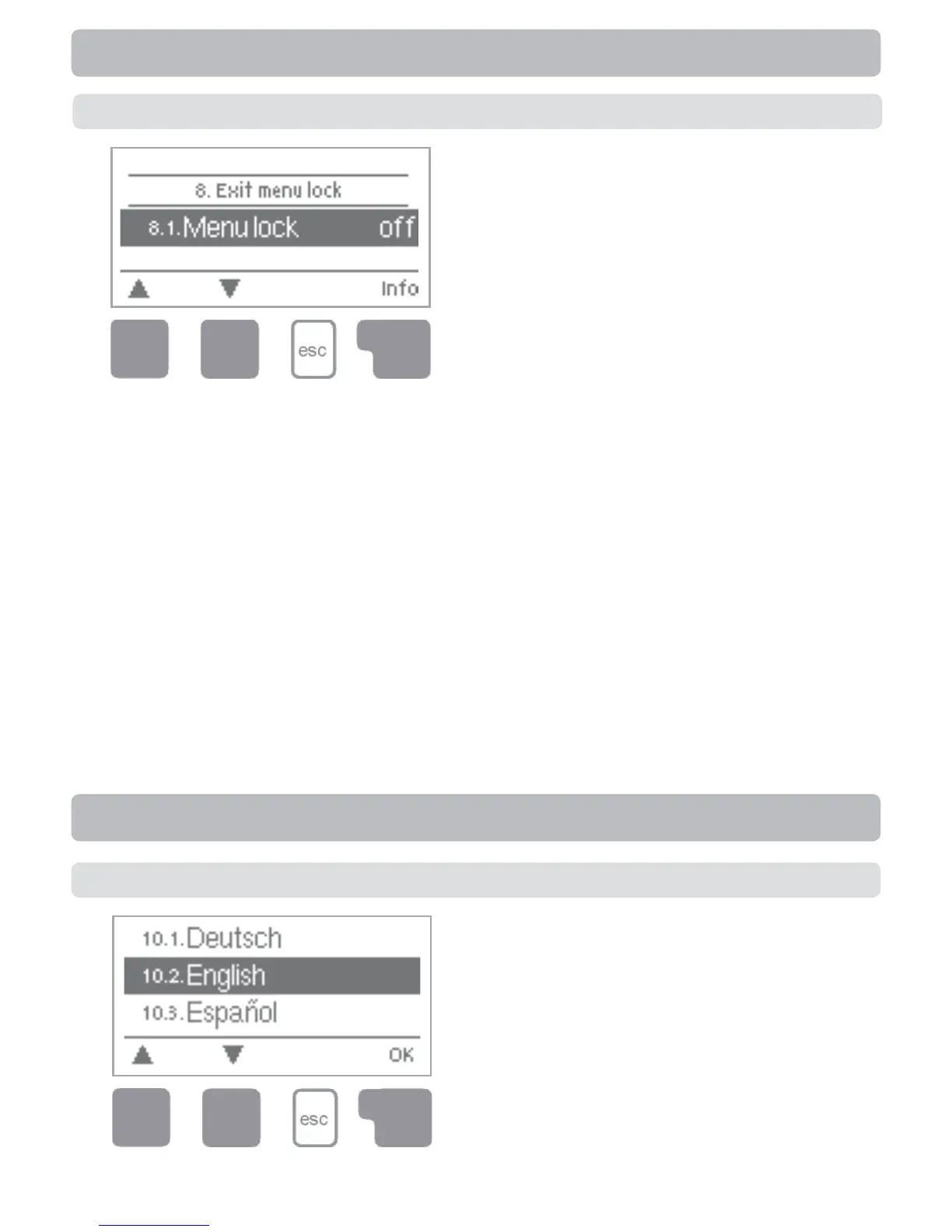
To lock the other menus, select “Menu lock on”.
To enable the menus again, select “Menu lock off”.
Setting range: on, off/default setting: off
Menu lock
Menu “8. Menu lock” can be used to secure
the controller against unintentional changing
of the set values.
The menu is closed by pressing “esc” or select-
ing “Exit menu lock”.
8. Menu lock
10. Language
Menu “10. Language” can be used to se-
lect the language for the menu guidance.
This is queried automatically during initial
commissioning.
The choice of languages may differ,
however, depending on the device design.
Language selection is not available in
every device design!
Language


 To Next Page