14
LEVEL SETTING
The input level is adjusted by means of the input level control located on the control panel of the amplifier.
This is a unique dual-stage circuit that adjusts both level and gain. This topology maintains better S/N Ratio
even when using sources with minimal output.
In the ideal situation, all components in the audio system reach maximum undistorted output at the same time.
If you send a distorted signal to an amplifier, it is simply going or crossover begins to distort before you have
maximum output from the amplifier. By setting all components to reach clipping at the same time, you can
maximize the output of your system. For the Tarantula, follow these steps for setting the input levels:
1. Turn the amplifier’s input level to minimum position (counterclockwise).
2. Set the source unit volume to approximately 3/4 of full volume.
3. While playing dynamic source material, slowly increase the amplifier’s input level until a near maximum
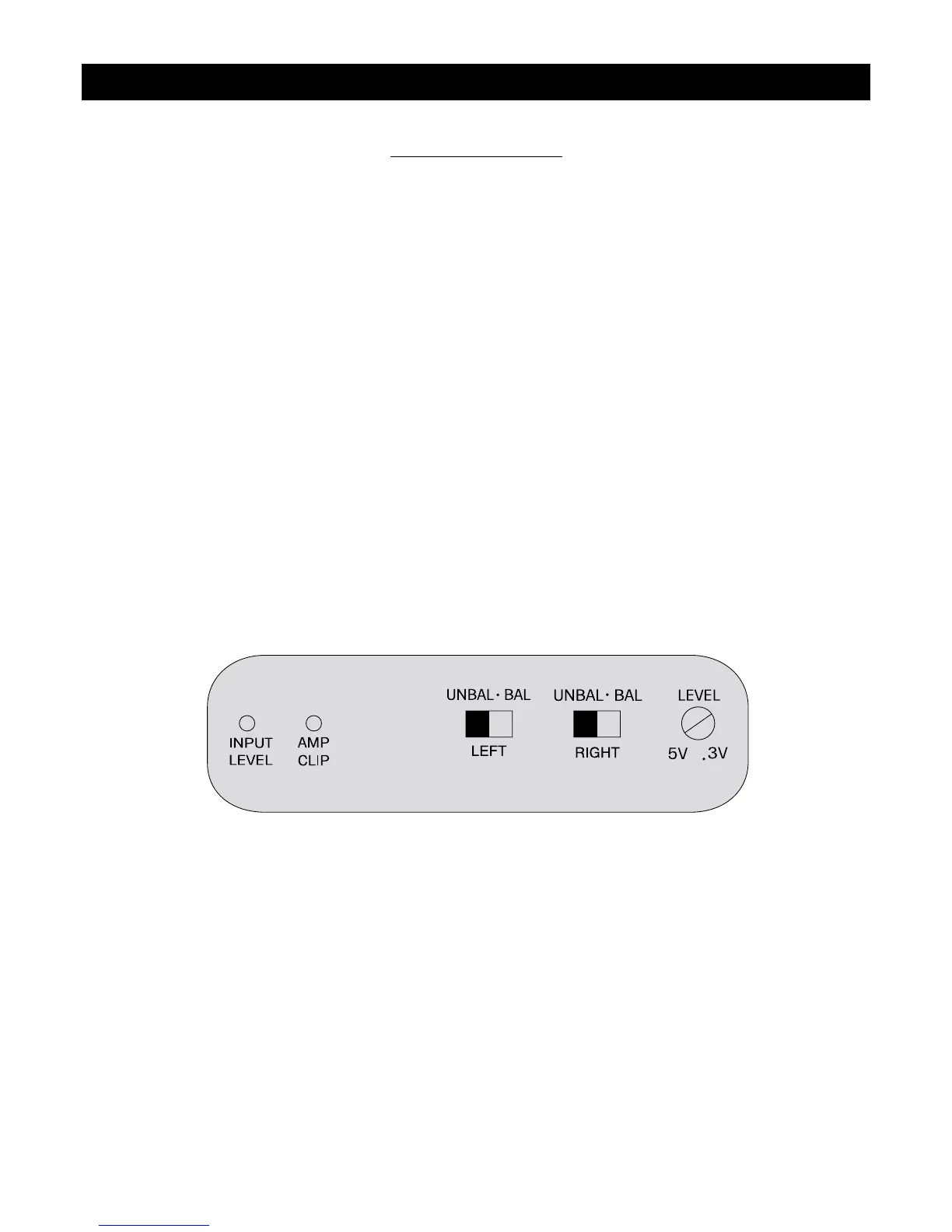
undistorted level is heard in the system. This can be visually verified by the input level indicator. The0
input level light has three levels of indication; Green (normal), Amber (1 0dB below clipping), Red (near
clipping).
The clipping indicator on the top of the amplifier will let you know when the output of the amplifier is reaching
its maximum level, and has begun to clip.
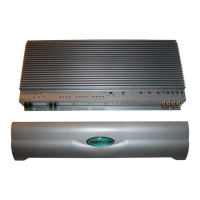
The shaded area below shows the input and output clip indicators, Large Mouth Bass switch and input level
as they appear on the control panel of the amplifier.




 To Next Page