~!~!!
....................
~
~
~
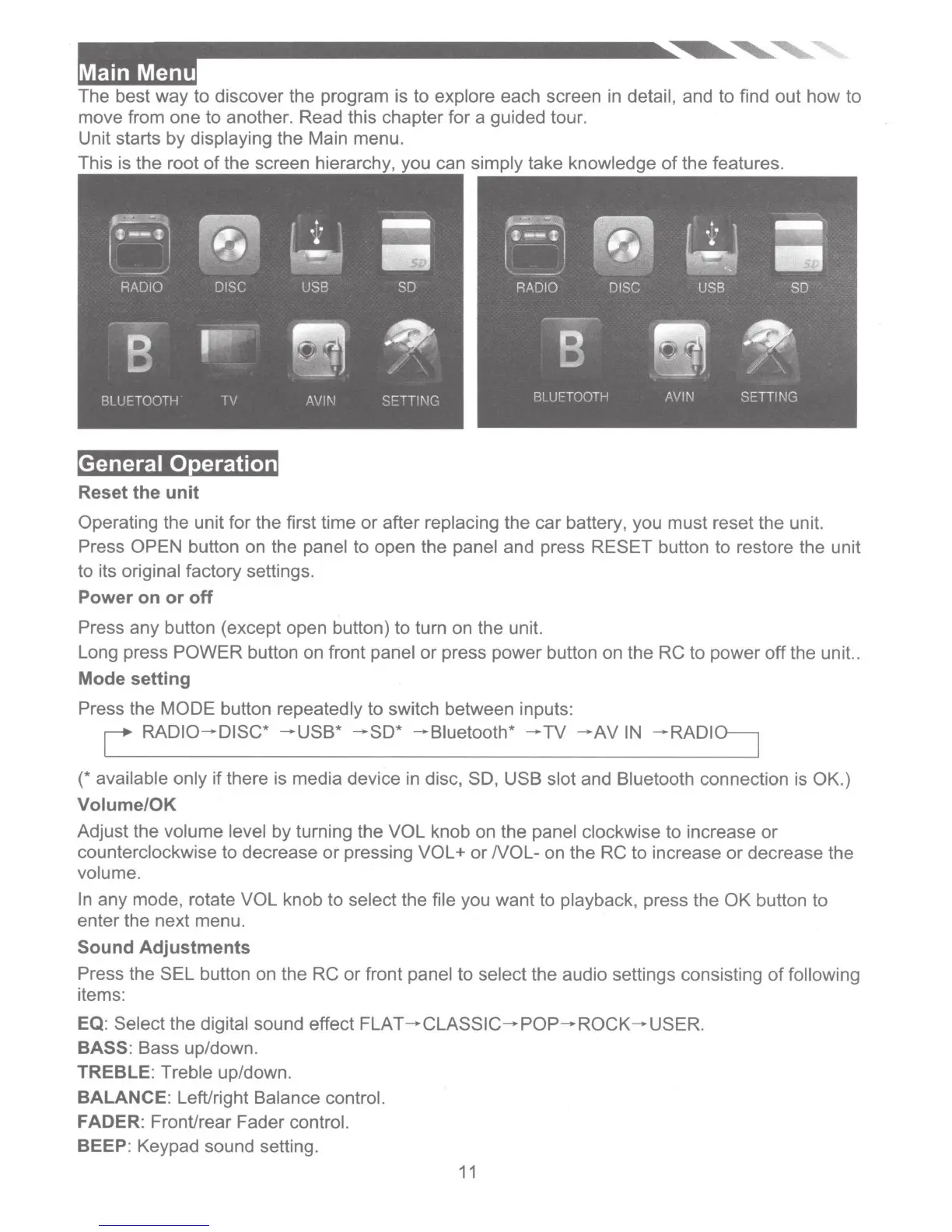
The best way to discover the program is
to
explore each screen in detail, and to find out how to
move from one to another. Read this chapter for a guided tour.
Unit starts by displaying the Main menu.
can simply take knowledge
of
the features.
General Operation
Reset the unit
Operating the unit for the first time or after replacing the car battery, you must reset the unit.
Press OPEN button on the panel to open the panel and press RESET button to restore the unit
to its original factory settings.
Power
on
or
off
Press any button (except open button) to turn on the unit.
Long press POWER button on front panel
or
press power button on the RC to power off the unit..
Mode setting
Press the MODE button repeatedly to switch between inputs:
L
RADIO-DISC*
-USB*
-SO*
-Biuetooth*
-TV
-AV
IN
-RADI~
(*available only
ifthere
is media device in disc, SO, USB slot and Bluetooth connection is
OK
.)
Volume/OK
Adjust the volume level by turning the VOL knob on the panel clockwise to increase
or
counterclockwise to decrease
or
pressing VOL+
or
NOL-
on the RC to increase
or
decrease the
volume.
In
any mode, rotate VOL knob to select the file you want to playback, press the
OK
button to
enter the next menu.
Sound Adjustments
Press the SEL button on the RC
or
front panel to select the audio settings consisting
of
following
items:
EQ
: Select the digital sound effect FLAT -
CLASSIC-POP-ROCK
- USER.
BASS: Bass up/down.
TREBLE: Treble up/down.
BALANCE: Left/right Balance control.
FADER: FronUrear Fader control.
BEEP: Keypad sound setting.
11













 To Next Page