Three screen ratio modes are
available, Normai/PS
(4:3 Pan Scan),
Normai/LB
(4:3 Letter Box)
and Wide (16:9). Different disc formats
will display
different images depending this setting and
the screen size used.
[8] NTSC/
PAL:
Select
this menu item to set up your preferred video output format. PAL is
commonly
used
in
Europe.
NTSC
is commonly
used
in
the USA and Japan. Auto is
commonly
used.
[9]
DEFAULT:
Factory reset. Set
all values
to Factory
default values
including
memory and preset stations.
SYSTEM
IN
FORMAT/ON
Press SYSTEM button to show the information
of
the
system.
You
can view
detail
system information
including serial
number
of
the software.
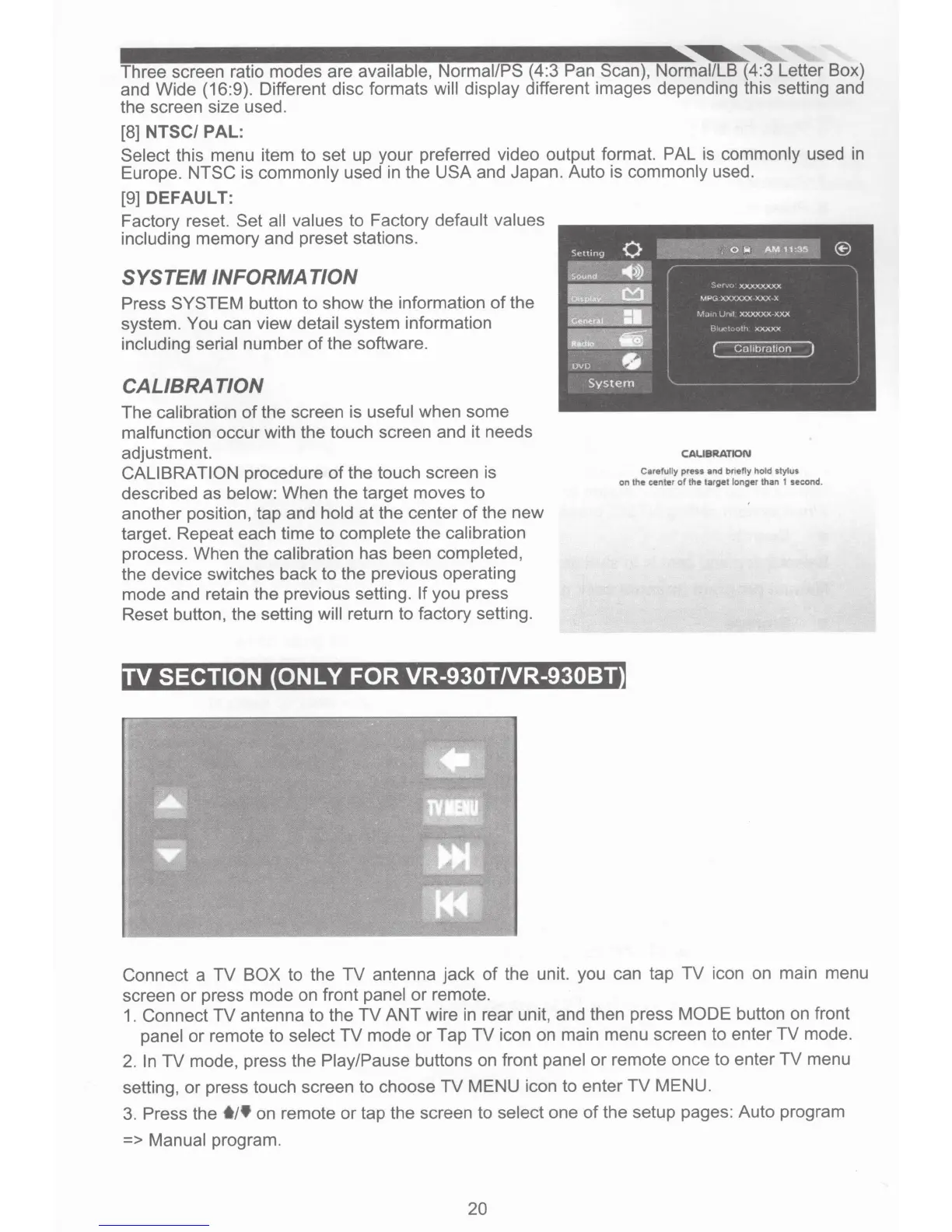
CAL/
BRAT/ON
The calibration
of
the screen is
useful
when some
malfunction occur with the touch screen and it needs
adjustment.
CALIBRATION procedure
of
the touch screen is
described as
below: When the target moves to
another position, tap and
hold
at the center
of
the new
target. Repeat each time
to
complete
the
calibration
process. When the
calibration has been
completed,
the device switches back to the previous operating
mode and retain the previous setting.
If
you press
Reset button, the setting will
return to factory setting.
TV
SECTION ONLY FOR VR-930TNR-930BT
CAUBRATION
Carefully
press
and
briefly
hold
stylus
on the center
of
the target longer than 1 second.
Connect a TV
BOX
to the TV antenna jack
of
the unit. you can tap
TV
icon on main menu
screen or press mode on front
panel
or
remote.
1.
Connect
TV
antenna to the
TV
ANT wire
in
rear unit, and then press
MODE
button on front
panel
or
remote to select
TV mode or Tap
TV
icon on main menu screen to enter TV mode.
2.
In
TV mode, press the Play/Pause
buttons on front
panel
or
remote once to enter
TV
menu
setting,
or
press touch screen to choose
TV
MENU icon
to
enter TV MENU.
3.
Press the
t/t
on remote
or
tap the screen to select
one
of
the setup pages: Auto program
=>
Manual program.
20













 To Next Page