22
User Setup - Time Period Programming
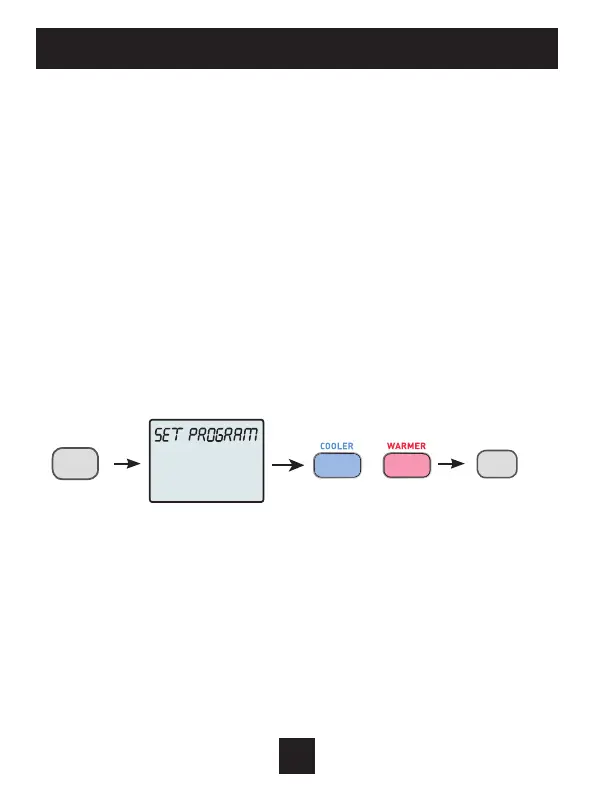
To enter Time Period Programming screens, Press and hold
PROGRAM until the scrolling prompt appears.
OFF - Time Period Program is off.
RUN - Time Period Program is running.
HOLD TO SET - Press and hold PROGRAM to make Time Period
Programming changes.
Select Day of Week to program -
Press the WARMER or COOLER buttons to choose the day of
the week.
Press MODE to advance to the next step.
Programming a Daily Time Period Schedule*
*not available when wi-fi module is present
(continued next page)
ADJUST
NEXT
PROG | RUN | SET
MODE


 To Next Page