35
Installer Setup
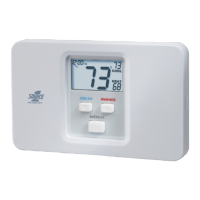
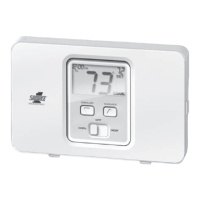
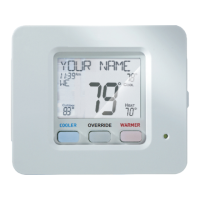
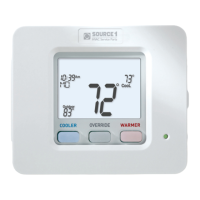
Locking/Unlocking the Keypad
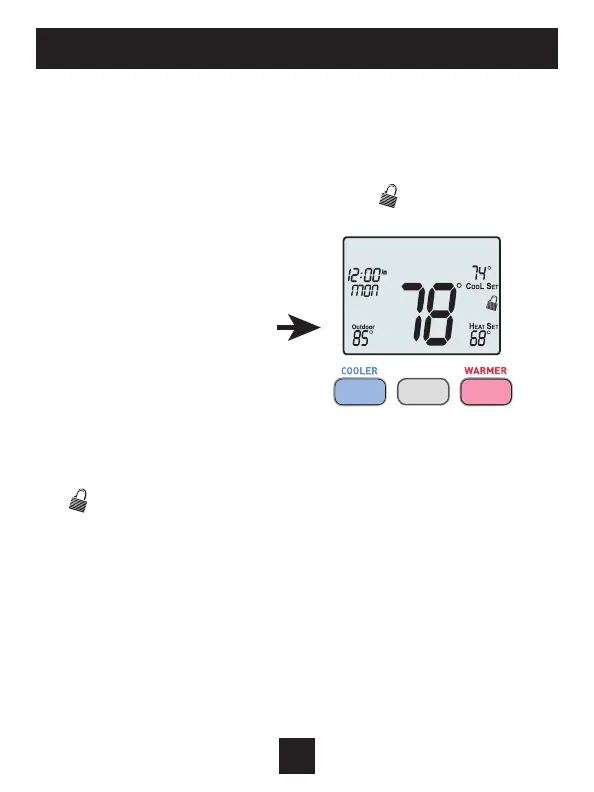
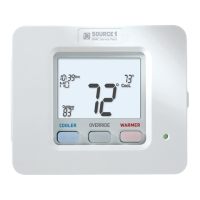
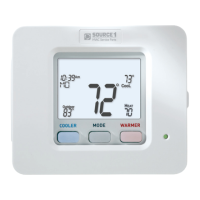
To prevent unauthorized use of the thermostat, the front panel
buttons may be disabled. To disable, or ‘lock’ the keypad, press and
hold the MODE button. While holding the MODE button, press the
WARMER and COOLER buttons together. The
icon will appear on
the display, then release the buttons.
Press all three
buttons in the order
outlined above for
keypad lockout
To
unlock the keypad, press and hold the MODE button. While
holding the MODE button, press the WARMER and COOLER
buttons together.
The icon will disappear from the display, then release the buttons.
MODE


 To Next Page