Resetting the Thermostat to the Factory Default Settings
(for default values see page 38-39, Advanced Setup Table)
If, for any reason, you desire to return all the stored settings back
to the factory default settings, follow the instructions below.
WARNING: This will reset all Time Period and Advanced Programming to
the default settings. Any information entered prior to this reset will be
permanently lost.
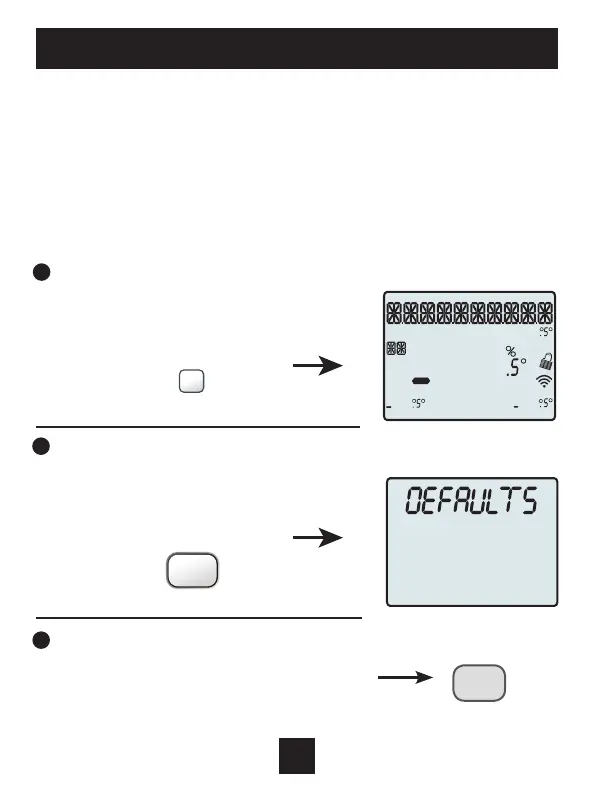
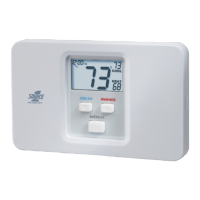
1 Press and hold SETUP for 10 seconds. All icons will appear on the display.
Keep pressing the SETUP
button until you see
this screen.
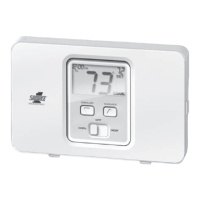
2 After all the icons appear, release SETUP. Press and hold FAN for
5 seconds. DEFAULTS will appear on the display.
Keep pressing the FAN button
until you see this screen.
3 After DEFAULTS appears, release FAN.
Press MODE to return to normal operation.
HI
Lo
Program
Morning Day Night
Evening
ONOFF
Outdoor
Fan On
C
OO
L
A
UX
H
EAT
Day Night
Morning
Evening
Setup Step
2nd3rd
Stage
Am
Pm
18:88
188
188
88
188
FAN ON/AUTO
MODE
SETUP
36
Installer Setup


 To Next Page