Source Audio Artifakt Lo-Fi Elements User Guide
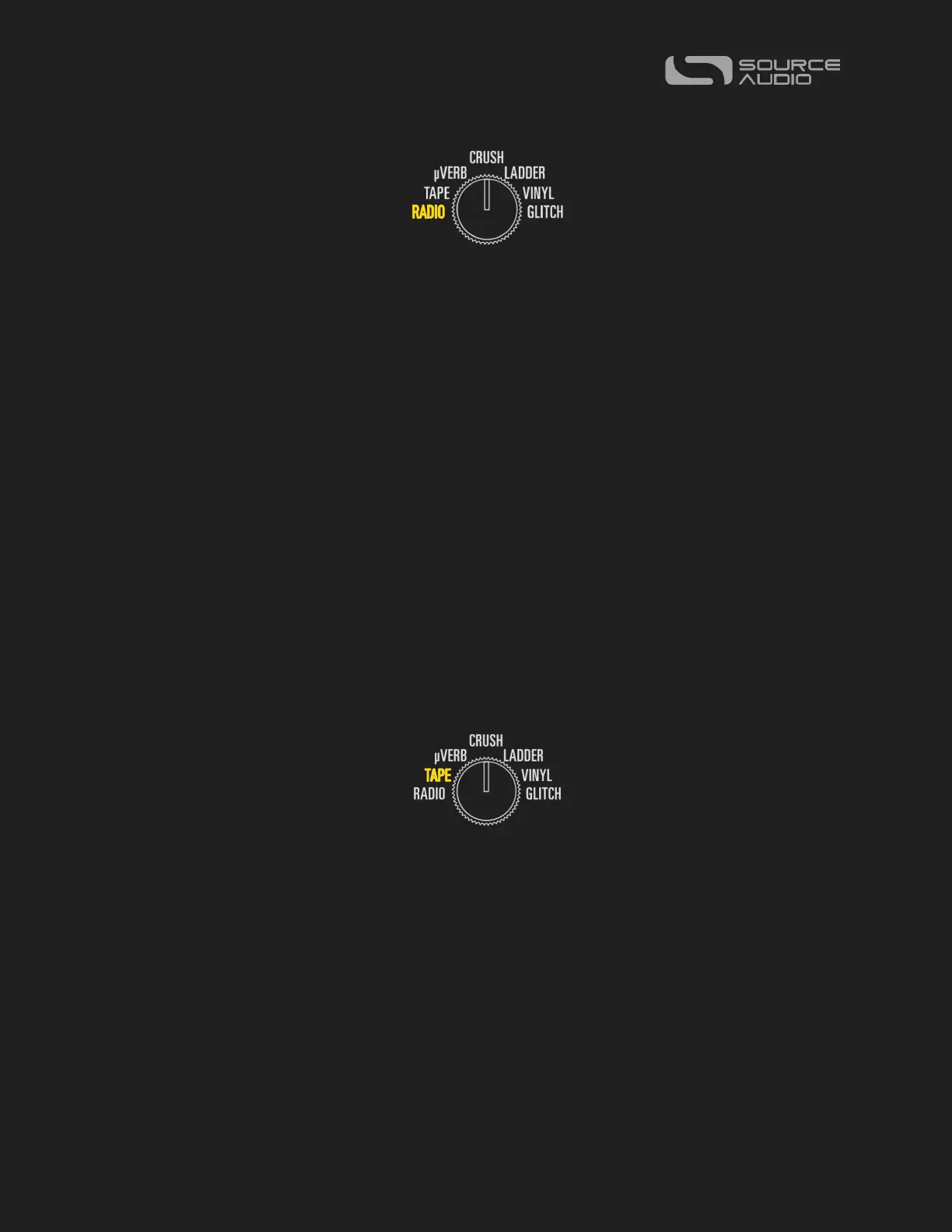
RADIO
Tune from failing, signal dropping, AM static to FM fidelity and everything in between.
Think “Wish You Were Here” as a starting point with enough range in the controls to go
from AM to FM. Features the effect blocks: Signal Failure, Compression, Equalization and
Voicing. RADIO combines these elements with added effects for crackle noise and a
simple pitch vibrato available in the MOD controls.
DESTRUCT: Controls the frequency of the signal dropouts. Left = a clearer signal, Right =
a poor signal that frequently drops in & out.
VARY: Controls the level of compression applied to the signal. Left = no compression,
Right = full compression.
FILTER: Adjusts the level of Treble in the signal. Noon on the dial is a flat treble response.
Bandwidth Switch: Limits the frequency response, altering the overall voicing of the
effect. Right = full bandwidth (no limiting), Center = some high-cut & low-cut, Left =
extreme high-cut & low-cut.
OPTION Footswitch: Tap to switch the Noise ON/OFF.
TAPE
A “two-deck” Tape emulation including Saturation, Compression, and Wow & Flutter
Modulation. Adjust the delay time between the fixed and variable tape heads (VARY
knob) to get from tape flange and chorus sounds all the way to a slap-back effect. The
BANDWIDTH toggle switch sets the mode: Thru-Zero, Ping-Pong, Dual Delay. OPTION
footswitch can be used for Tap Tempo or press and hold for feedback oscillation.
DESTRUCT: Sets the amount of tape saturation, which is a combination of compression
and light overdrive. Turning DESTRUCT left to right will simultaneously increase the
compression and overdrive gain.
VARY: Controls the delay time; the amount of time in milliseconds of which the tape-
modulated signal is delayed after the initial (dry) signal. Also known as “lag time”.















 To Next Page