Source Audio Artifakt Lo-Fi Elements User Guide
Frequently Asked Questions
What kind of instruments can I connect to Artifakt’s inputs?
Artifakt’s audio inputs are high impedance (~ 1 MΩ) and they can accept high impedance
signal sources like guitars/basses with passive pickups, as well as low impedance sources
like line-level audio circuits, guitars/basses with active pickups, electronic keyboards, or
mixer outputs. The input circuit can handle signals ranging up to 6.0 Volts, peak-to-peak.
Can I power Artifakt directly over USB, without using the 9 Volt
supply?
No. USB provides 5 Volts, but Artifakt needs 9 Volts, so Artifakt cannot be powered
directly from USB. Make sure that you have plugged in the included 9V DC power supply
when connecting to the Artifakt’s USB port.
When connecting Artifakt to a recording interface or mixer, should I
use a Lo-Z (microphone) or Hi-Z (line / instrument) input?
Artifakt’s output will be low impedance when the effect is active or in buffered bypass
mode, but it will be high impedance when using true bypass mode and a guitar with
passive pickups. Therefore, it is recommended that you use a high impedance (Hi-Z) input
on your recording interface or mixer to avoid signal loss.
Why doesn’t Artifakt respond to MIDI messages being sent to it?
By default, the Artifakt should respond to MIDI continuous controller messages on channel
1. The Artifakt’s MIDI channel can be configured using the Neuro Editors. Channel
numbers in MIDI use zero-based counting, so MIDI channel 1 is described as 0 in
hexadecimal, MIDI channel 2 is described as 1 in hexadecimal, and so on, concluding with
MIDI channel 16, which is described as F in hexadecimal. A continuous controller message
starts with a hexadecimal B and is followed by the channel number (0 through F).
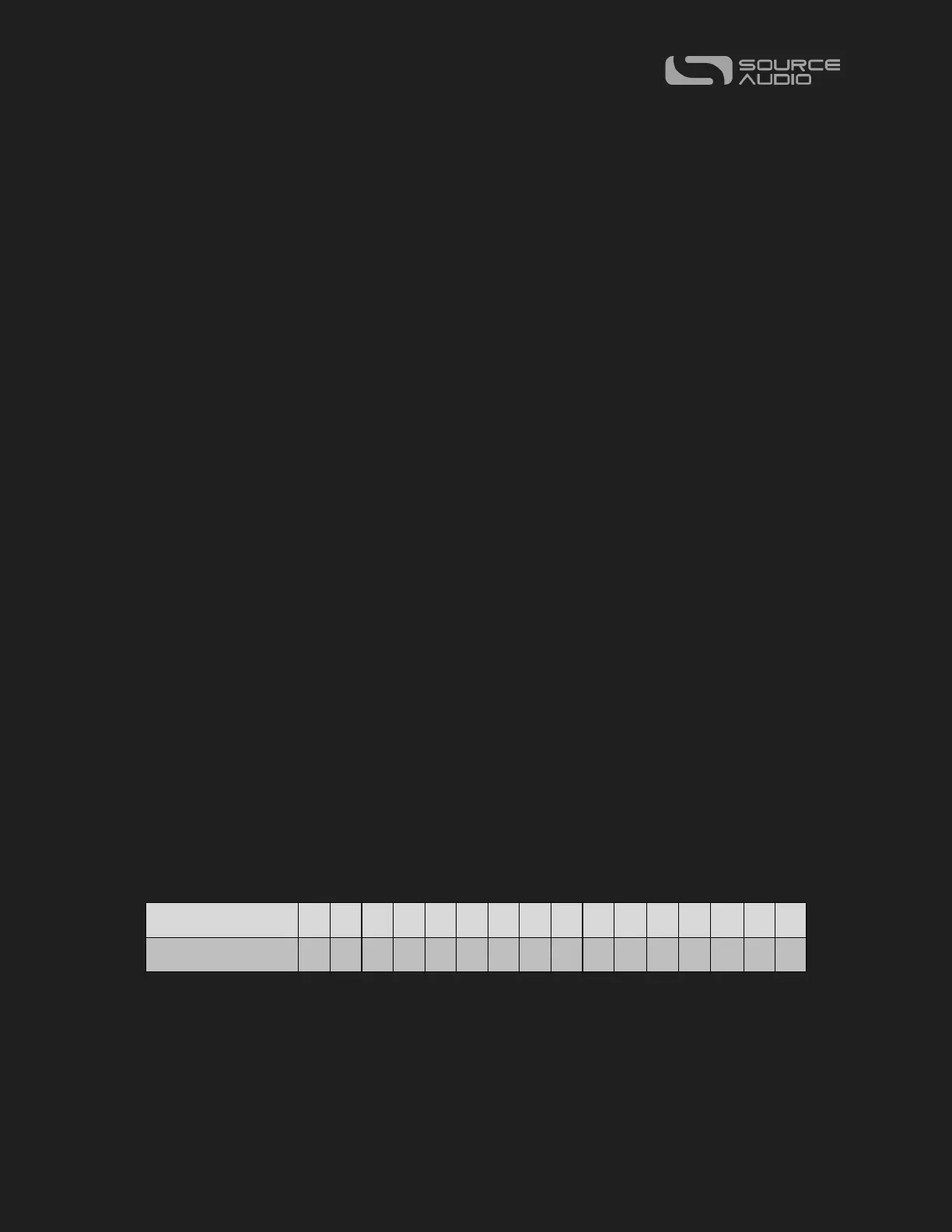
So, the command byte from your MIDI controller should be formatted as shown in the
following table:
Each continuous controller command byte is followed by two bytes: the CC number and
the value. So, each CC message consists of a total of three bytes. If the Artifakt is not
responding to MIDI, make sure that your MIDI controller is properly configured and
sending messages in the format described above.















 To Next Page