Source Audio Artifakt Lo-Fi Elements User Guide
Presets
User Presets store all editable parameters. This includes the knob positions, parameter
settings, routing options, external control, and the full list of Neuro/MIDI accessible
parameters. After a preset is recalled, you can always tweak the top-level controls in a
performance situation by turning the knob. The knob parameter will then “jump” to the
current knob position as it is rotated.
Artifakt will “remember” your last recalled preset slot, even when power-cycled. For
example, if you are on preset #3 then need to unplug your pedal, the next time Artifakt is
powered, it will boot on preset #3.
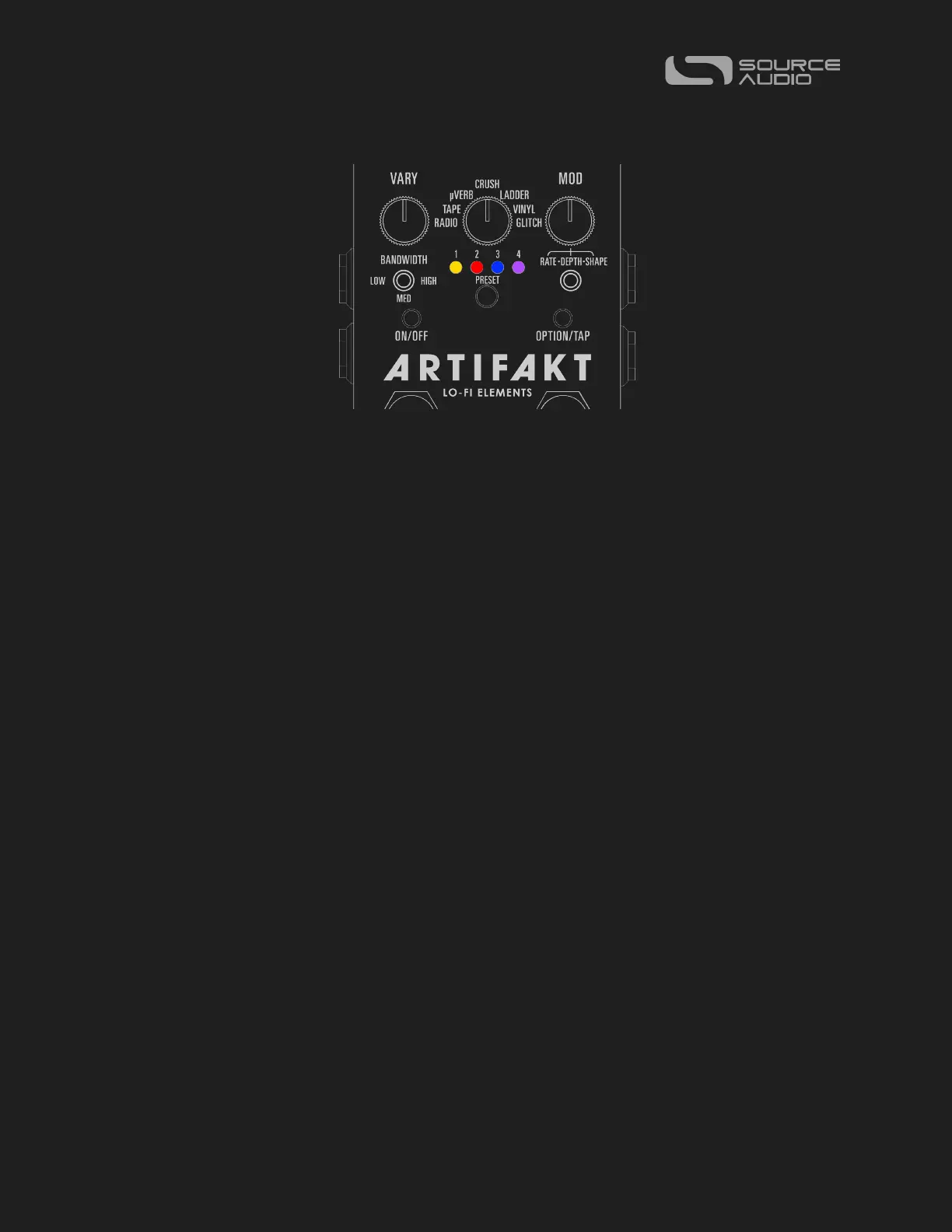
Artifakt comes stock with 128 preset slots. There are five different types of preset banks,
which are color coordinated.
Bank #1 is Amber and contains preset slots #1-4, which are blank (“user defined”) in the
stock configuration.
Bank #2 is Red and contains preset slots #5-8, which are Factory presets in the Old
Machines group, with a special focus on recreating vintage machinery and production
techniques like tape flange and VHS players.
Bank #3 is Blue and contains preset slots #9-12, which are Factory presets in the
“Modulation” group, which focuses on classic modulation tones that the Artifakt is capable
of.
Bank #4 is Purple and contains preset slots #13-16, which are Factory presets in the
“Animation” group, containing elements of glitch, sample rate reduction, filtering, and
more destruction.
Presets #17-128 are also blank (user defined) in the stock configuration and are indicated
by the Preset LEDs illuminated in white. Preset Extension Mode does not extend as far as
these presets; you will need a MIDI Controller or to connect to Neuro 3 to recall these
presets.















 To Next Page