Source Audio Artifakt Lo-Fi Elements User Guide
PRESET Button
Push to cycle forward through preset slots. Push + Hold to Save a preset in its current
configuration. You will see the Preset LED flash twice to indicate the preset has been
saved. The Preset LED will flash once every 2-3 seconds to indicate a preset has been
edited and has unsaved changes. See Presets for more details on selecting, saving, and
recalling presets as well as details about the 16 onboard Factory Presets.
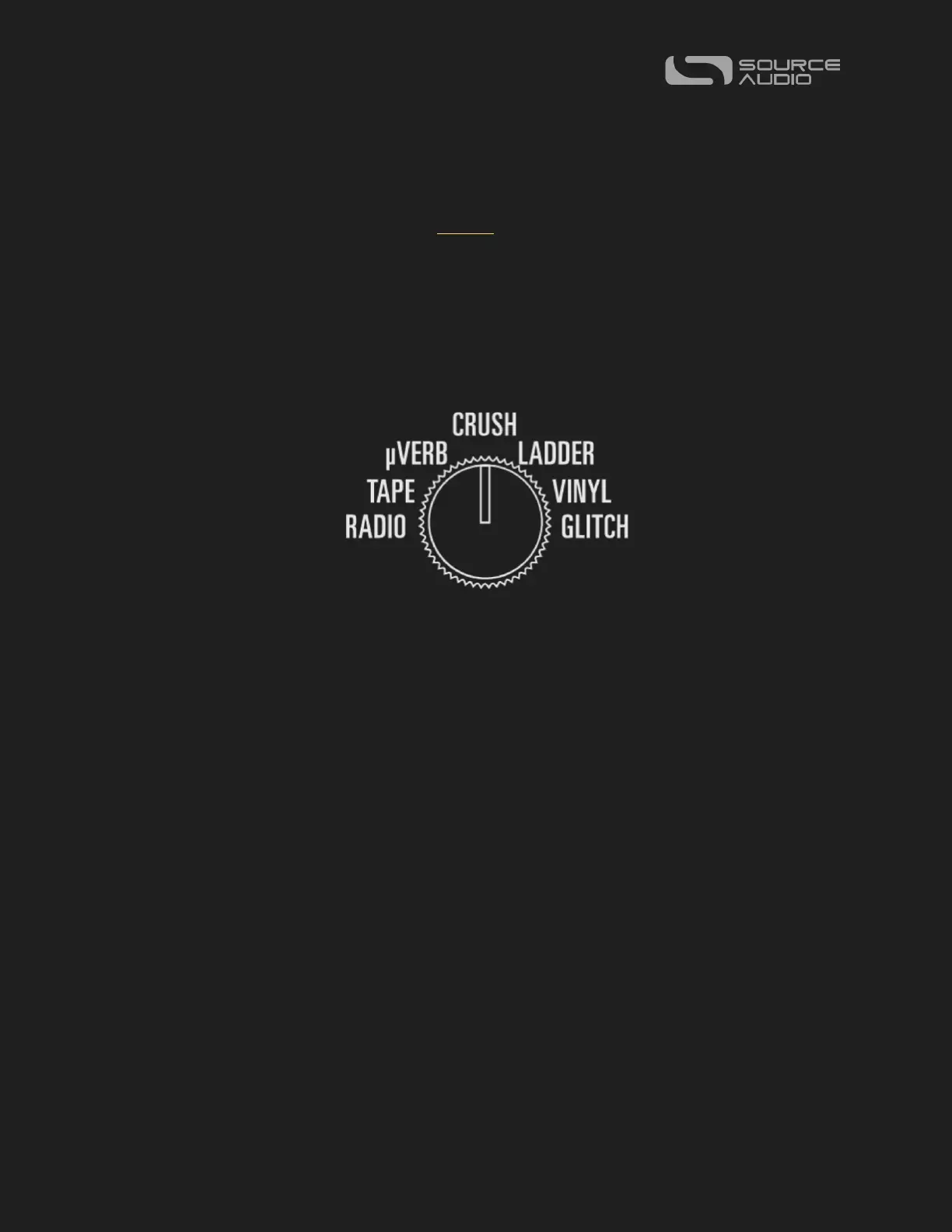
7-Way Effect Selector Switch
Even machines have brains. We’ve armed the Artifakt with a 7-Way Effect Selector Switch
as an efficient and easy way to explore multiple lo-fi elements, the controller of the out-of-
box experience and the key to exploring the depths of Artifakt’s collection of lo-fi
elements.
The seven engines on the Effect Selector Switch are not presets and are independent from
the Artifakt’s presets. Turning the Effect Selector Switch after selecting a preset will
override those preset settings and load the engine on the dial instead. Additionally, the
RADIO, TAPE, µVERB, CRUSH, LADDER, VINYL, and GLITCH positions can be overwritten
with new settings, but only by using the Neuro 3 App.
On the next page is a description of each of the seven engines and a comprehensive
breakdown of their engine-specific controls.















 To Next Page