Source Audio Artifakt Lo-Fi Elements User Guide
External Control
There are two main ways the Artifakt’s Control Input port is utilized. Below are the
possible used for the Control Input port. Please note that External Switch Options is a
global hardware setting.
Expression: Using the Source Audio Dual Expression pedal, or an expression pedal
connected to the Neuro Hub, it is possible to map up to three parameters to be controlled
via expression.
Expression Control
Use a Source Audio Dual Expression pedal to control up to three different parameters on
the Artifakt per preset.
Connecting the Expression Pedal
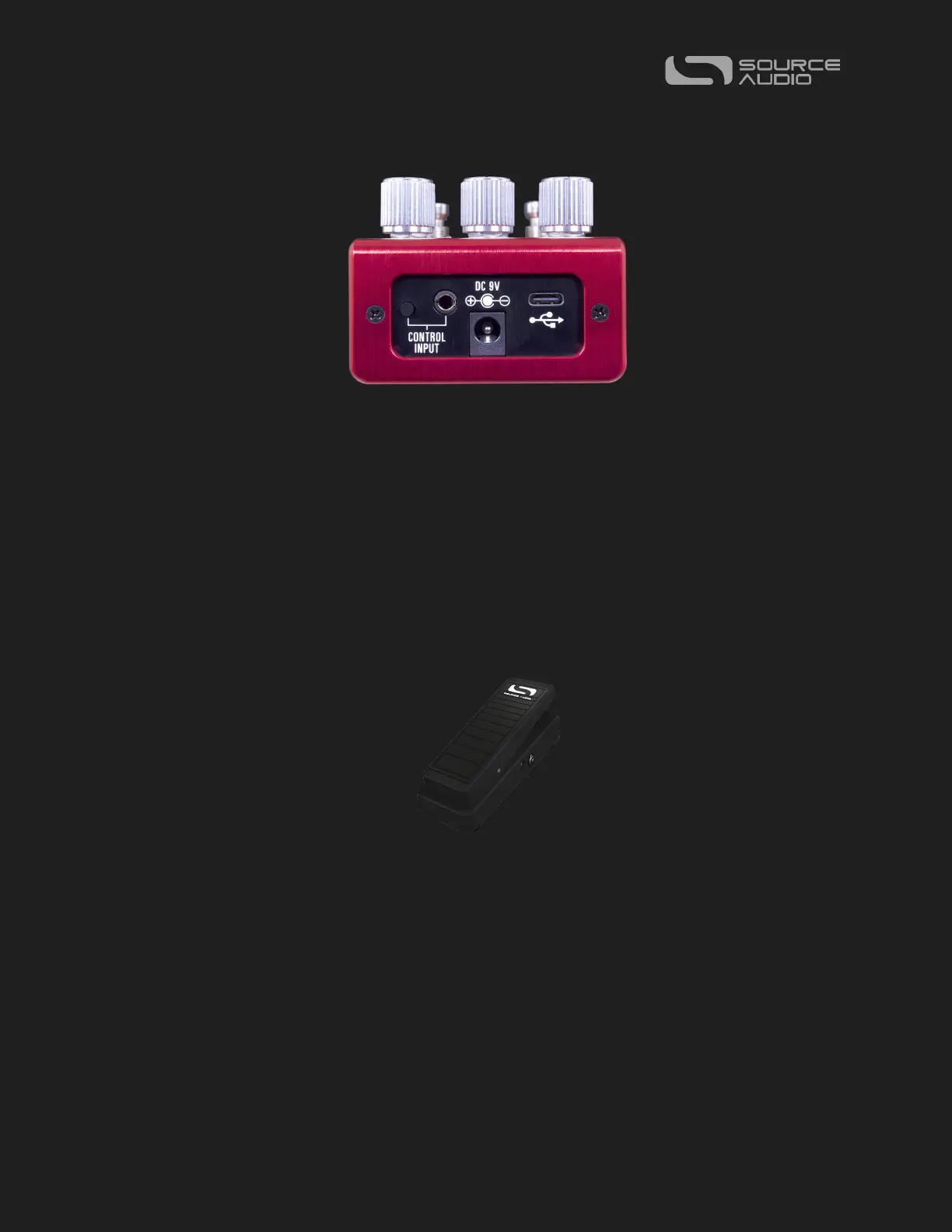
Connect a Source Audio Dual Expression pedal using a 3.5mm TRRS cable from the EXP
pedal’s Sensor Output to the Artifakt’s CONTROL INPUT port on the pedal’s top panel.
Press the CONTROL INPUT button to enable External Control.
If you are not getting the desired results from your Expression pedal setup, go to the
Hardware Options section of the Neuro software. You’ll need to select “Neuro















 To Next Page