Version: 1
Revision Date: 02/2018
N
2-BLAST
®
FPS-500
O&M Manual
Page: 18 of 25
Contact us Toll-Free: (888) 526-6284
7.3 STOPPING THE SYSTEM
To stop the system:
1. Close off the gas outlet valve on the nitrogen storage tank.
2.
System will automatically stop once it reaches the cut-out pressure of approximately 65 PSIG.
3. In the case of an emergency shut off, push the On/Off toggle button on the upper left control
panel to the “Off” position. The unit will shut down immediately.
7.4 BYPASS ALARM
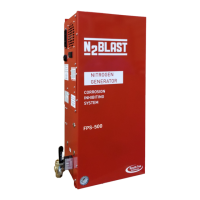
During the 30-minute re protection piping system ll test, the operator can put the system in
manual bypass mode by turning the handle on the left side of the cabinet. With the handle in
the “Bypass Mode”, the bypass alarm triggers an audible and visual alarm light on the left side
of the cabinet. A dry contact is also available for external notication such as the BMS (Building
Monitoring System). The alarm will turn off once the hand is back to normal run position.
7.5 BLASTOFF
®
ALARM
The system activates a BlastOff
®
Alarm when it detects potential leaks or nitrogen being overdrawn.
The operation screen will appear and with a status notication in the upper right corner flashing
“BlastOff”. Press the red bell icon to temporarily silence the buzzer. Inspect and test the system
for leaks and component failures. Contact South-Tek System or your local installer for further
troubleshooting.


 To Next Page
 Loading...
