23
WIRELESS CONNECTIVITY OPTIONS
MISSION CONTROL APP
All wireless connections are managed through the TCU, which contains both a Bluetooth and an ANT+ module.
This allows for the following wireless connectivity options.
Mission Control App is fully compatible with Como SL bikes.
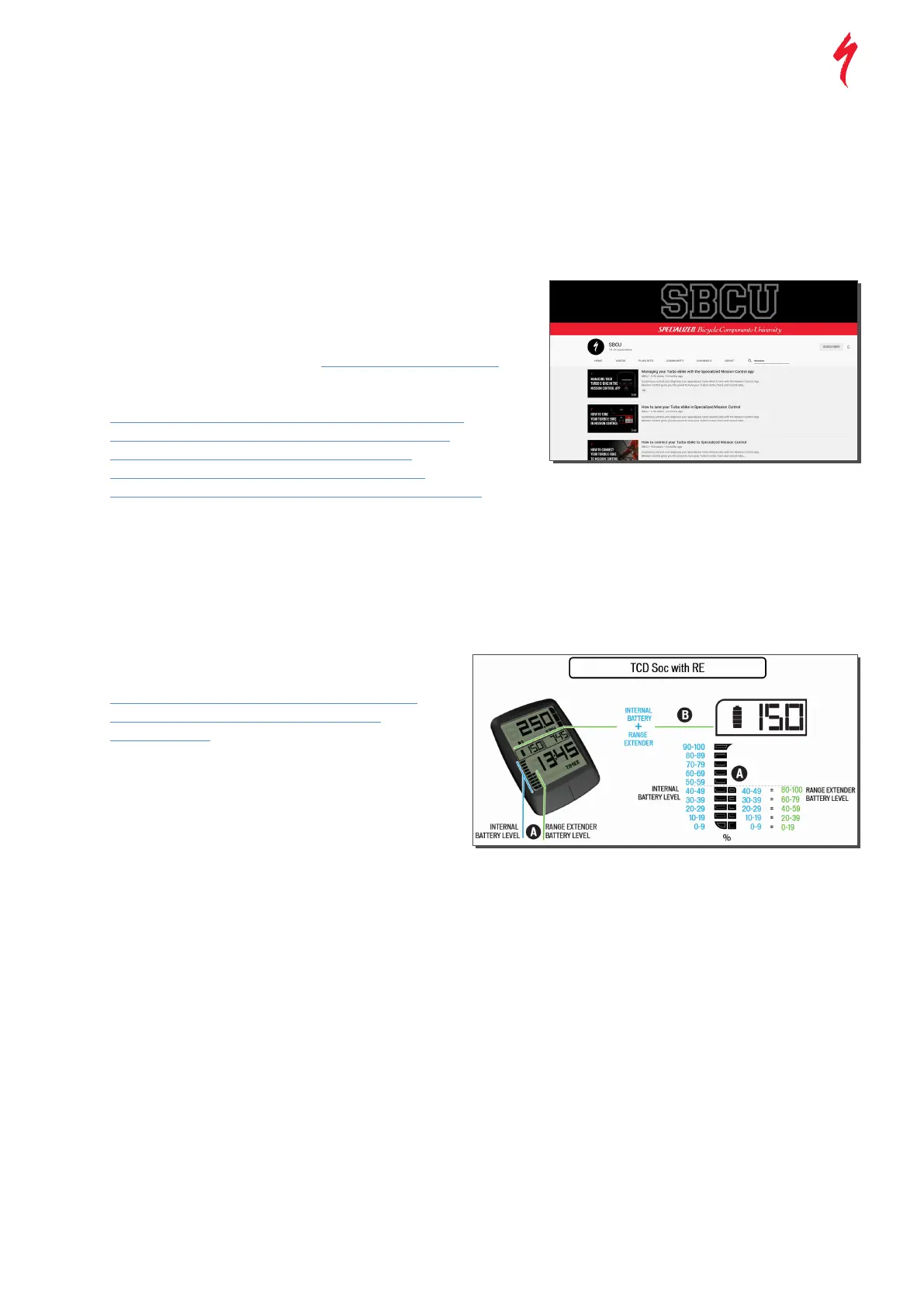
Please watch the Mission Control videos on the SBCU YouTube channel.
INTRODUCTORY VIDEO:
• Managing your Turbo e-bike with the Specialized Mission Control App
HOW-TO-VIDEOS:
• How to connect your Turbo ebike to Specialized Mission Control
• How to tune your Turbo e-bike in Specialized Mission Control
• How to track your rides in Specialized Mission Control
• How to use Smart Control in Specialized Mission Control
• How to update your Turbo Connect Display (TCD) in Mission Control
Klick on the image to visit SBCU YouTube for short and fun
GENERAL NOTES ON ANT+ CONNECTIVITY
All Turbo motors feature sensors for Speed, Rider Power and
Cadence. The sensor data can be received via the ANT+ modules of
the bike. Basically, all ANT+ devices can connect to these sensors.
for e-bike data.
CONNECT TO LEV SENSORS IN ANT DEVICE
In the ANT+ device, search for sensors and connect to Speed,
Power and Cadence sensor of the Turbo to see the data on the
WIRELESS CONNECTIVITY OPTIONS
THIRD PARTY ANT+ OPTIONS
GARMIN DEVICES:
LEV DATA FIELDS THROUGH GARMIN CONNECT IQ
Garmin GPS devices that are capable of Connect IQ offer dedicated
Note:
It’s a known issue on current Garmin devices that with paired LEV
sensors, none of the Connect IQ data elds will nd the bike.
Make sure your device is not paired to the Turbo sensors before setting
up the data eld. We recommend this option over Garmin Connect IQ:
• Install the ‘Ebike Field’ by Jan Capek (easier to install/connect
than option B.)
WIRELESS CONNECTIVITY OPTIONS
TCD (TURBO CONNECT UNIT)
• All models come stock with a TCD mount,
but only 5.0 models ship with the TCD itself
• How to setup and use your Turbo Connect Display (TCD)
• How to update your Turbo Connect Display (TCD)
in Mission Control



 To Next Page