User’s Manual
DVR-4TH/8TH/16TH Series
SPECO TECHNOLOGIES 07/10
155
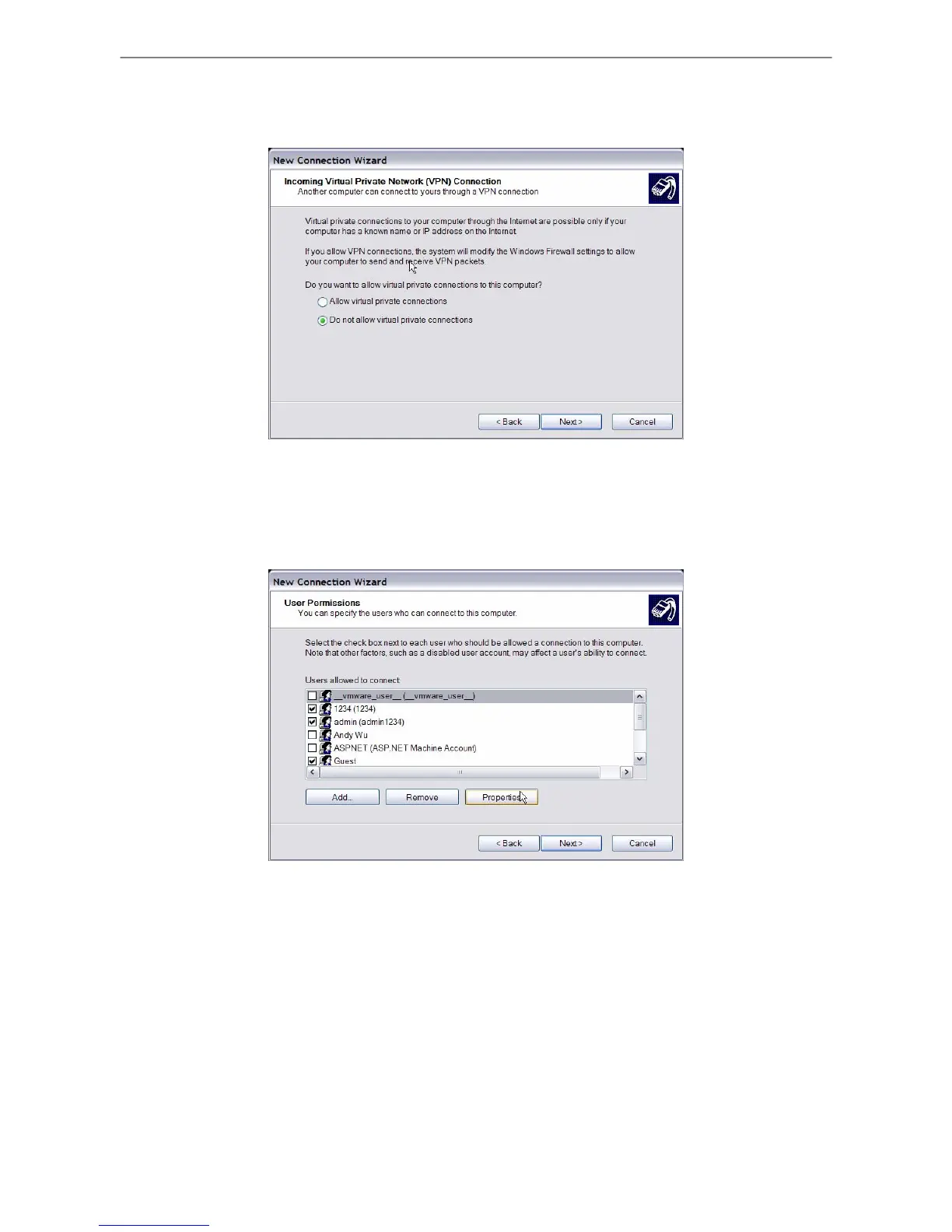
• In Incoming VPN Connection menu, choose <Do Not allow virtual private
connections> and click on <Next>.
• In User Permission menu, select the users that will be using this connection. If
needed, add a new user with the same user password that is set up in the Dial-out
Setup menu in local DVR. When done, click <Next> to continue.



 To Next Page