User’s Manual
DVR-4TN/8TN/16TN/16TS/16TT Series
SPECO TECHNOLOGIES 01/08
66
<Network restart>: This message shows the user if the DVR 1 was able or
NOT able to:
1. Either use the IP address that the user entered manually
2. Or to see if the DVR 1 can be assigned a dynamic IP address from the
router using DHCP
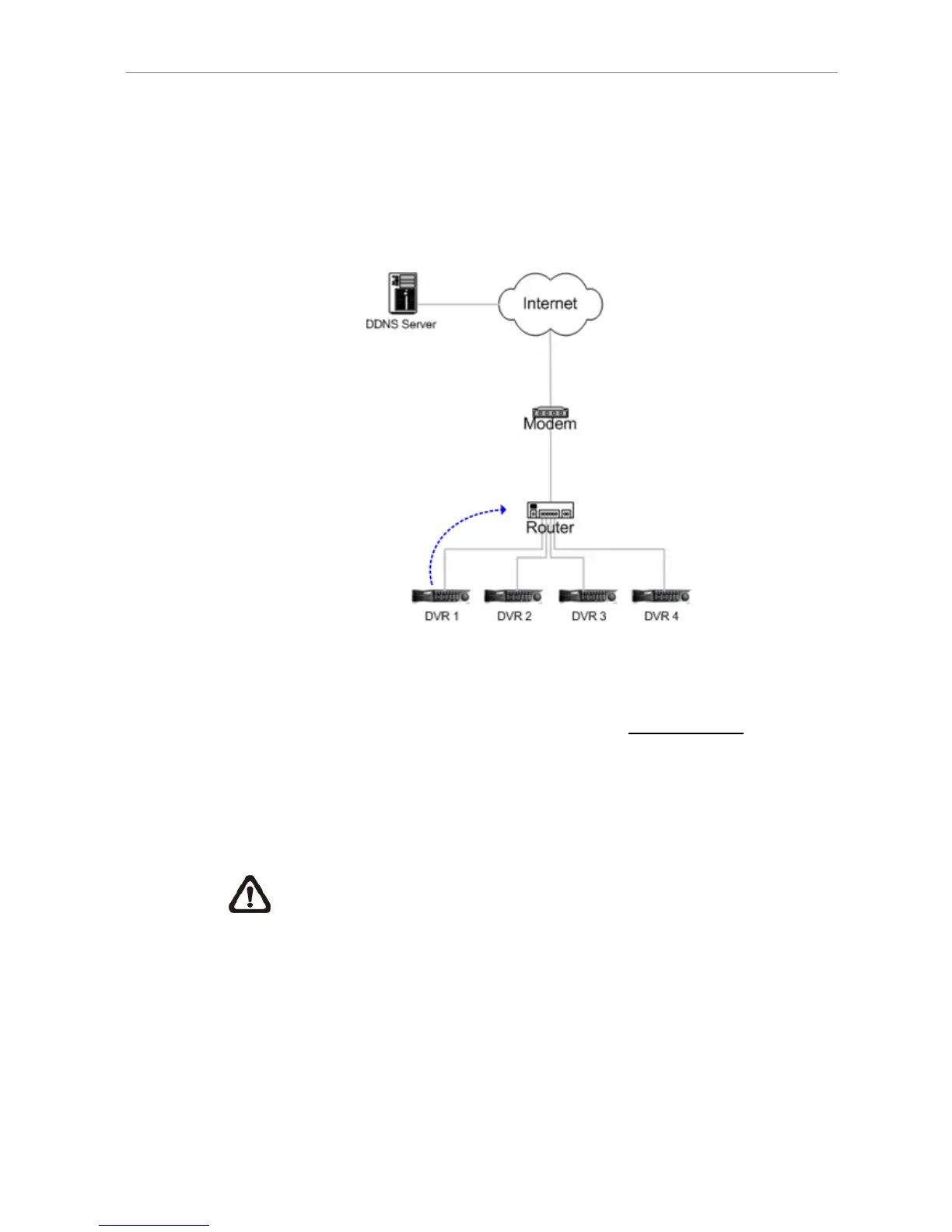
The flowchart is illustrated in Fig. 5.1.
Figure 5.1
<ezRouter setting>: When the IP address is obtained and assuming that you
have set the ezRouter correctly (Please refer to Router Setting
section to
setup the ezRouter), the DVR 1 will then connect to the router to see if the
DVR can automatically setup the router. The flowchart for this message (Fig.
5.1) is the same as <Network restart>, the only difference is that the DVR 1
will connect to the router to see if the DVR 1 can change the settings of router.
Note: Sometimes the “X” symbol may be displayed for ezRouter
setting because there are too many ports opened in the router. Close
the redundant ports and re-do the ezRouter setting. The average ports
that can be opened in a router are about 10 to 30 ports depending on
the router that you use.



 To Next Page