User’s Manual
DVR-4TN/8TN/16TN/16TS/16TT Series
SPECO TECHNOLOGIES 01/08
77
Host Name
This item allows the user to setup a domain name, which is used when
entering the DVR-4TN/ 8TN/ 16TN/ 16TS/ 16TT series unit through the
Internet on your remote PC.
To setup the Host Name of the unit, follow the steps.
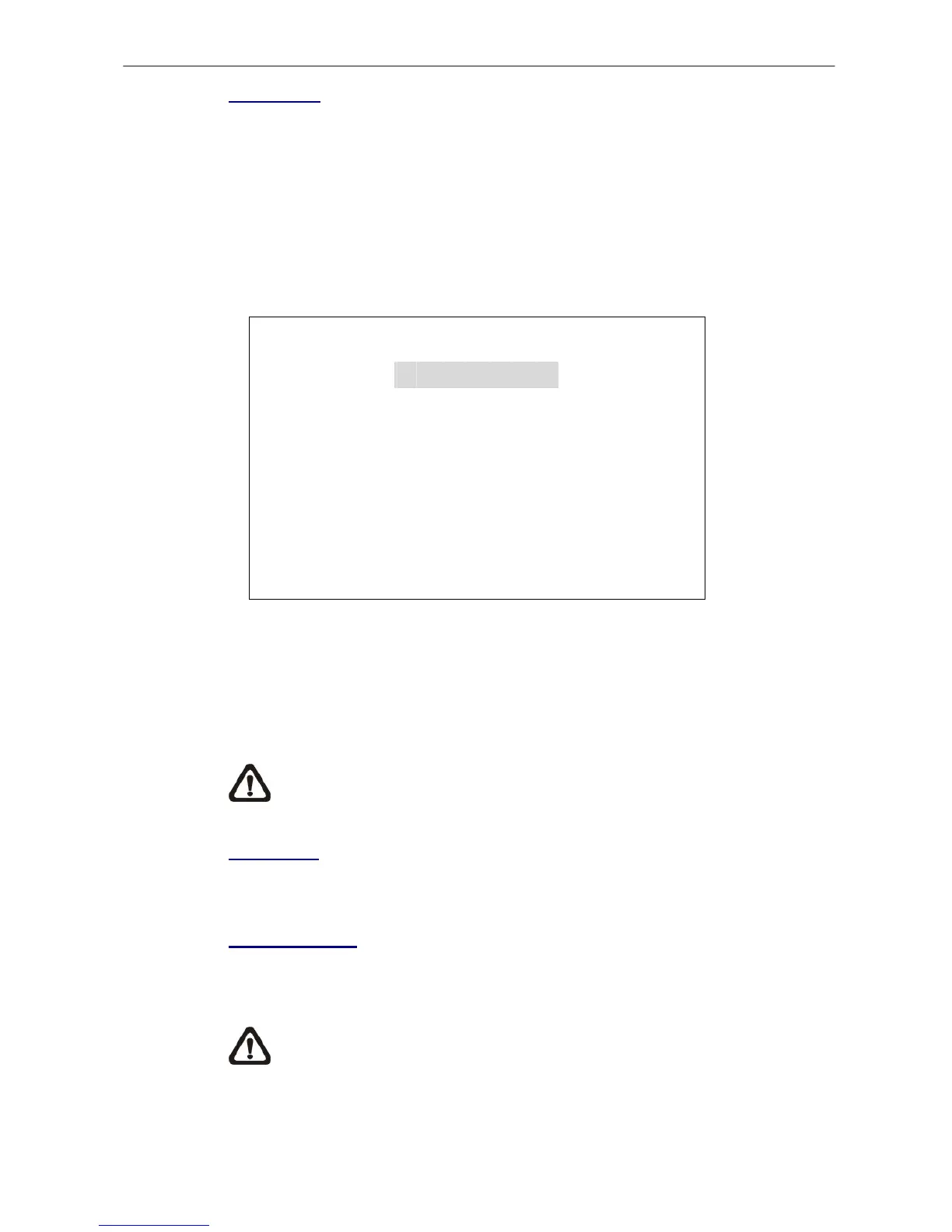
• Select <Host Name> from DDNS Setup menu and press ENTER. A virtual
keyboard displays as shown.
Host Name
A B C D E F G H I J K L M
N O P Q R S T U V W X Y Z
a b c d e F g h i j k l m
n o p q r S t u v w x y z
0 1 2 3 4 5 6 7 8 9
.
!@
# − _
◄ ► Backspace Delete
Cancel OK
• Use Direction keys to select a character.
• Press ENTER to add the selected character to the Host Name entry field.
• When done, move the cursor to <OK> and press ENTER to save the
settings and exit.
NOTE: No any two DVR-4TN/ 8TN/ 16TN/ 16TS/ 16TT series units
should be set to the same Host Name.
DDNS Port
This item allows the user to setup the port for DDNS. Press UP / DOWN
Direction keys to change the port.
Submit/ Update
When done, move the cursor to this item and press ENTER to submit the
settings.
NOTE: If there are two DVR-4TN/ 8TN/ 16TN/ 16TS/ 16TT series units
set with the same domain name, the later setting will not be submit
successfully.


 To Next Page