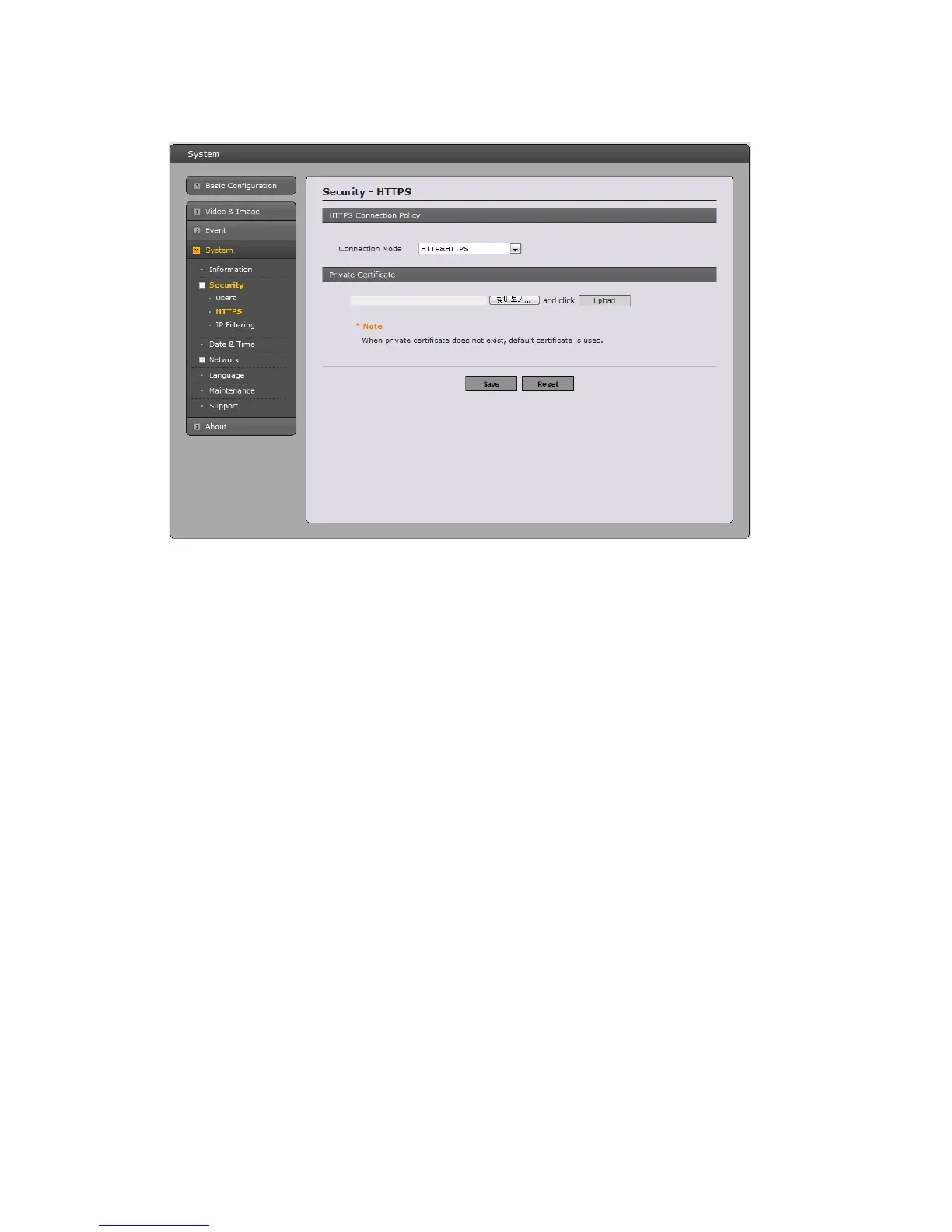
HTTPS
For greater security, thi
s network camera can be configured to use HTTPS (Hypertext Transfer
Protocol over SSL (Secure Socket Layer)). That is, all communication that would otherwise go via
HTTP will instead go via an encrypted HTTPS connection.
• HTTPS Connection Policy
Choose the form of connection you wish to use from the drop-down list for the administrator,
Operator and Viewer to enable HTTPS connection (set to HTTP by default).
- HTTP
- HTTPS
- HTTP & HTTPS
• Upload Certificate
To use HTTPS for communication with This network camera, An official certificate
issued by a CA (Certificate Authority) must be uploaded from your PC. Provide the path to the
certificate directly, or use the Browse button to locate it. Then click the Upload button.
Please refer to the home page of your preferred CA for information on where to send the request. For
more information, please see the online help.
47



 To Next Page