Specify the formats for the date and time (12h or 24h) displayed in the video streams.
Select Date & Time format from the drop-down list.
- Date Format: Specify the date format. YYYY: Year, MM: Month, DD: Day
- Time Format: Specify the date format. 24Hours or 12 Hours
3.5.2 Video & Image
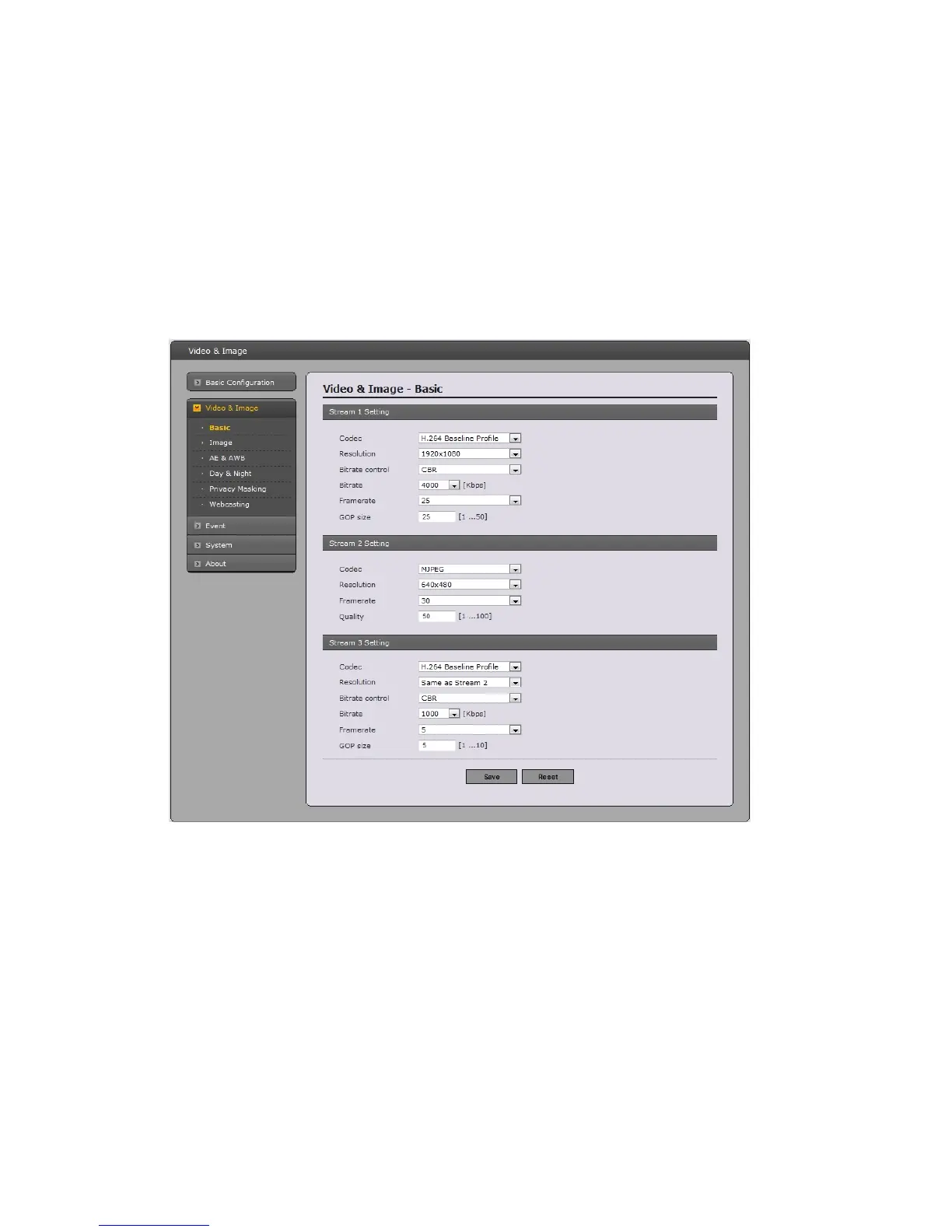
Basic
R
efer to “3.5.1 Basic Configuration > Video & Image” for more details.
23



 To Next Page