721-0045-000_A.docx
February 2017 5
Chapter 1: About this Guide
This guide includes reference information and describes procedures for administrators
configuring Spectralink Quick Barcode Connector™
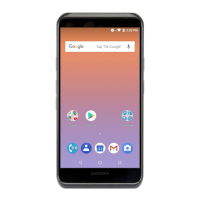
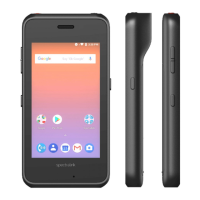
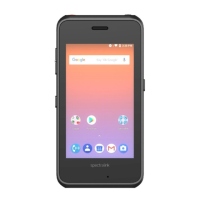
(QBC) for use with Spectralink PIVOT:SC
smartphones. In this guide, you’ll learn:
What the Spectralink QBC is, and how you can use it
How barcode technology works
How to install the Spectralink QBC application
How to launch and configure the Spectralink QBC application
How to configure smartphones for the operational mode you’re using
How to scan barcodes
Optimal methods for scanning barcodes
Product Support
Spectralink wants you to have a successful installation. If you have questions please contact the
Customer Support Hotline at 1-800-775-5330.
The hotline is open Monday through Friday, 6 a.m. to 6 p.m. Mountain time.
For Technical Support: mailto:technicalsupport@spectralink.com
For Knowledge Base: http://support.spectralink.com
For Return Material Authorization: mailto:nalarma@spectralink.com


 To Next Page