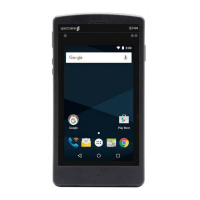
721-0085-000_A.docx
August 2021 11
Chapter 3: Spectralink Versity Biz
Phone Configuration
The Versity smartphones use the Spectralink Versity Biz Phone application for telephony
interoperation with the RingCentral Office call server. Each Versity smartphone must be
configured with extension number, username and password. Additional SIP settings are
required for SIP server, SIP server port, TLS transport protocol and SRTP enabled. All
phone configuration settings are done within the Biz Phone app.
Admin Tip: Tools for configuring Versity smartphones
For detailed information about configuration settings for the Biz Phone app, see
Spectralink Versity Family Applications Administration Guide.
See the Spectralink Administration Management Guide for information about
SAM, Spectralink’s tool for app configuration management.
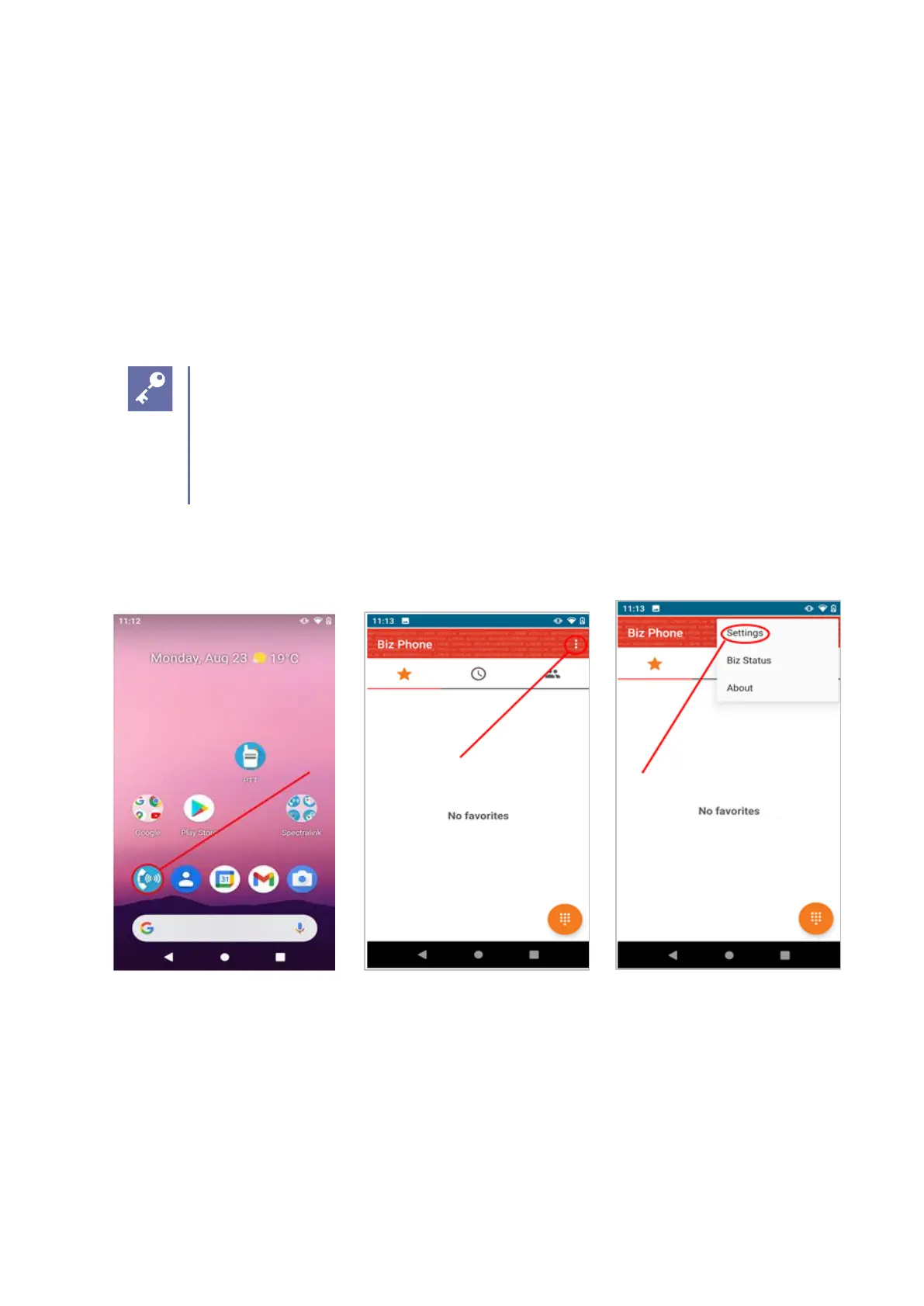
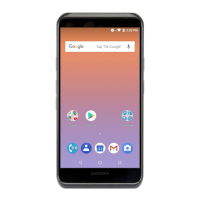
Navigate to Biz Phone> Settings> Enable SIP> Registration 1 as shown below.
Biz Phone app Opening screen→ 3 dots Settings menu


 To Next Page