721-0085-000_A.docx
August 2021 4
Chapter 1: About This Guide
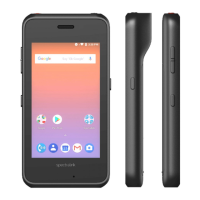
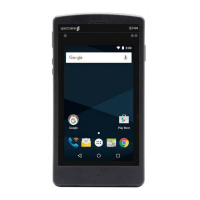
This guide describes how to configure a Spectralink Versity smartphone for connecting to
RingCentral Office.
This guide is intended for qualified technicians and the reader is assumed to have a basic
knowledge about the Spectralink Versity smartphones and RingCentral Office. It is also
assumed that you have an installed and functioning RingCentral Office and Spectralink
Versity smartphones ready to provision and deploy.
The guide is divided into two parts:
1 RingCentral Office—configuring the call server
2 Spectralink Versity smartphone—configuring the phones
Each part describes the general configuration steps.
Feature List
The following features are supported:
• Make and receive basic calls, local and PSTN
• Handset-to-handset calling
• Check Voicemail
• Speed Dial
• Caller ID
• Call Hold and Retrieve
• Call Transfer (warm, blind)
• Three Party Conference
• Call Forwarding
• Call Waiting
• Call Log
• Do Not Disturb (DND)
• Music on Hold (MOH)
• DTMF
• Secure Voice - TLS 1.2


 To Next Page