Getting Started
Procedure 11: Obtain Your License Key
Getting Started with Spirent TestCenter | 51
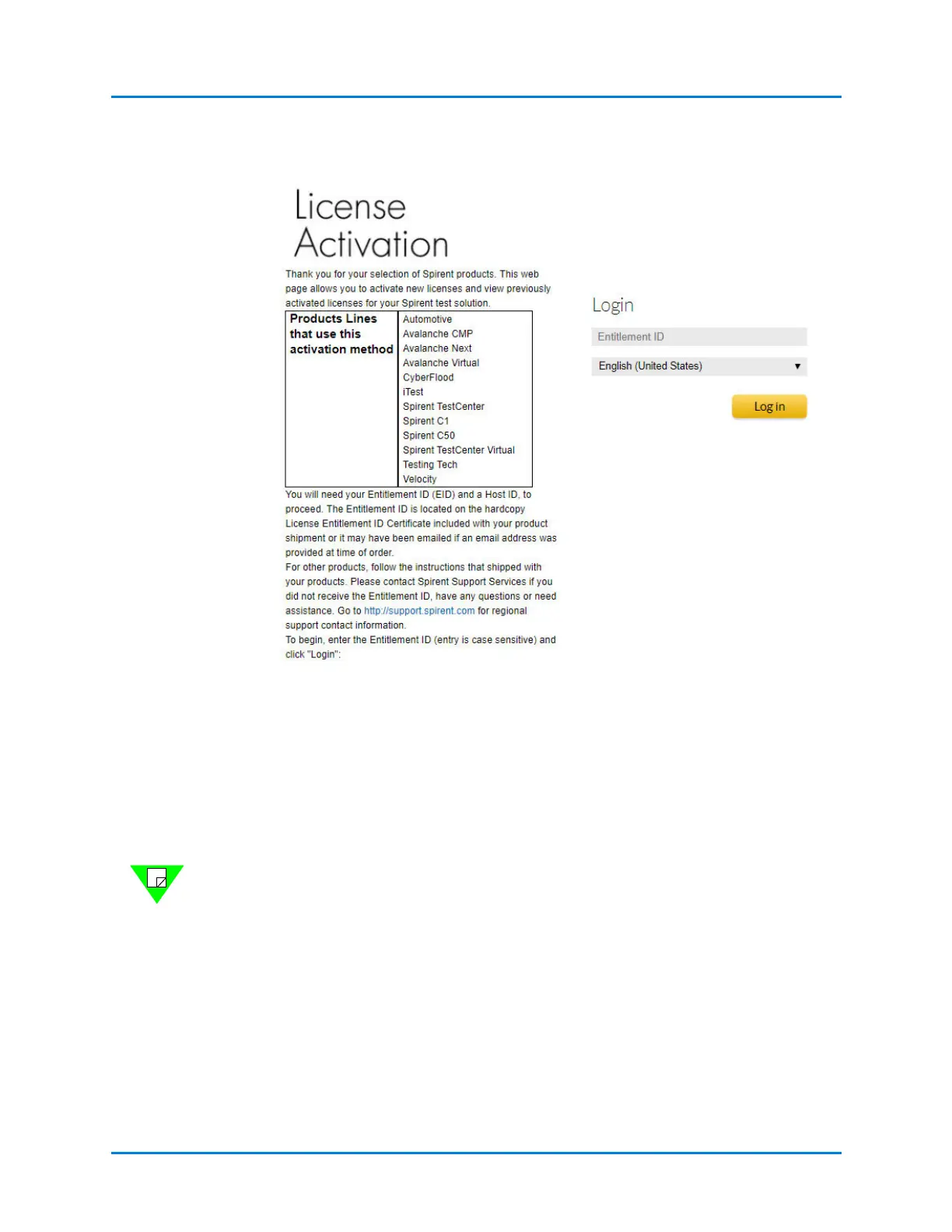
Figure 1-17. License Activation
4 Enter your License Entitlement ID (this field is case-sensitive). Include any hyphens.
5 Click Login.
The STEP 1 window opens. This includes two options:
• Activate licenses
• Manage licenses
6 Select the license(s) you wish to activate for a specific Host ID and click Activate.
Note: If you ordered a Support Agreement, it must also be checked to be included in
the license file for the specific chassis.
The STEP 2 window opens. Confirm the correct license and click Next.
7 Click Add New Host.
The STEP 3 window opens. Enter the Host ID, review the instructions on the screen,
and click Generate.
8 Select the Host ID you entered and click Next.
The STEP 4 window opens. Select the licenses you want to save to file or email.



 To Next Page