Appendix B: Upgrade/Downgrade Procedures
To Verify Support Entitlement
Getting Started with Spirent TestCenter | 71
To Verify Support Entitlement
Appropriate licensing is required to use any Spirent TestCenter application for testing.
If your Spirent TestCenter Support Entitlement has expired, you will not be able to use
upgraded software. A Support Entitlement is current if its version (date) is equal to or later
than the Release Date (see below) associated with the Spirent TestCenter upgrade you
want to install.
To look up the Support Entitlement version date:
1 Launch the Spirent TestCenter Application that is installed on your computer.
2 Connect to all chassis that you plan to upgrade or downgrade.
3 Select Tools > Licensing Management in the main window menu.
4 Expand the first chassis listing on the Chassis tab.
•The Chassis column displays the name of each licensed package and Support
Entitlement.
•The Version column displays the date on which the Support Entitlement became
effective (format is YYYY. MM).
• The information in the Expiration column indicates that the installed package is a
licensed version (Permanent) or a demo version (a date).
5 Scroll down the list of packages in the Chassis column to the first Support_Entitle-
ment entry and note its Version date.
To look up the new Spirent TestCenter Application Release Date:
If you are upgrading from a Spirent TestCenter DVD or from the Spirent Customer
Service Center (CSC):
1 Log in to your Spirent CSC account at
https://support.spirent.com.
2 On the Welcome page, click the Downloads icon on the left panel.
3 On the Downloads page, under Release Type, select General Release from the drop-
down menu.
4 Under Product Line, select Spirent TestCenter.
5 At the top of the page, use the Filter by release drop-down list to choose the Spirent
TestCenter upgrade release you want to install.
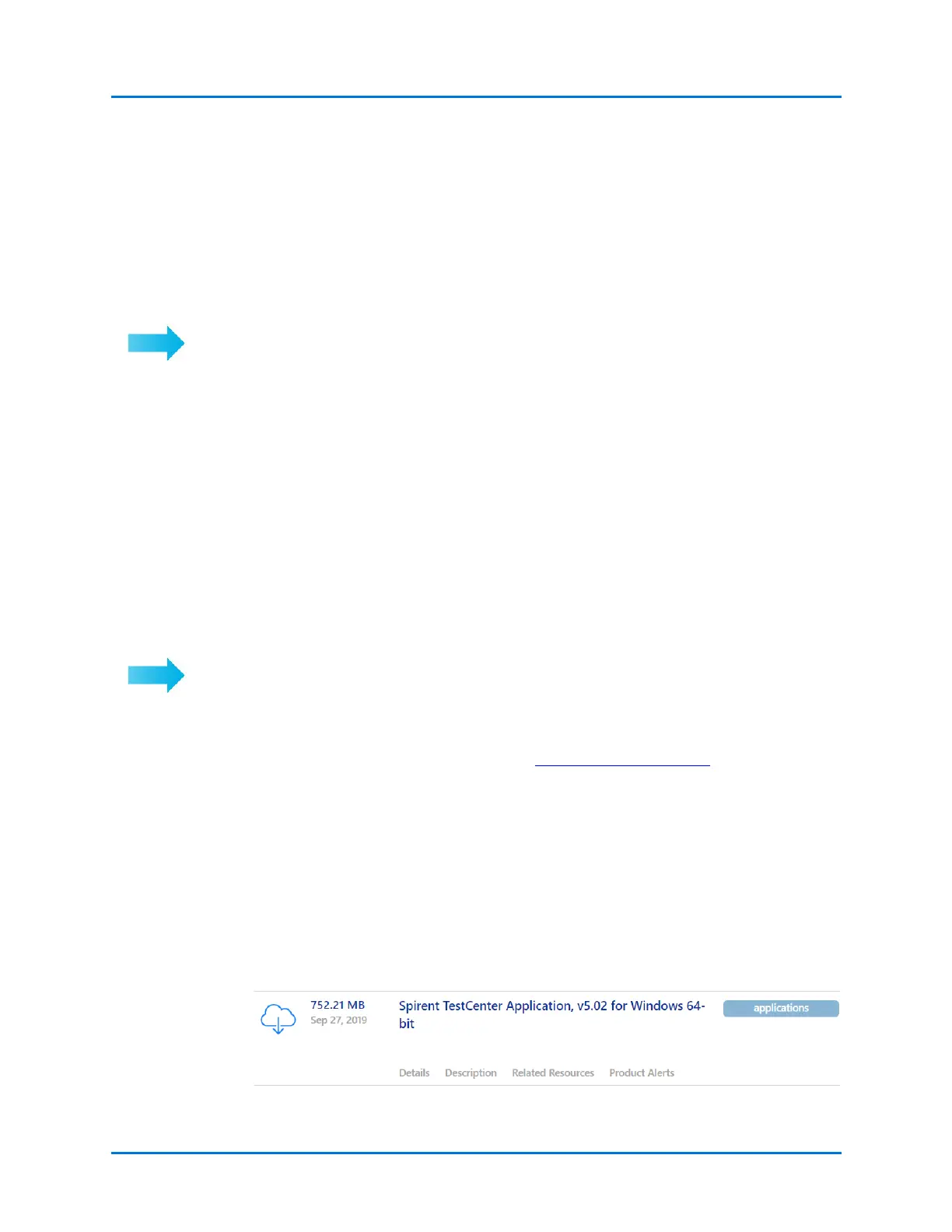
6 On the filtered results page, select the Spirent TestCenter Application option for
your operating system.
The release date for the application is shown to the left of the title.



 To Next Page