12 Repeat steps 7 to 11 to add further members. Each new member will be given the next Order
number. To change a member’s Order number enter the required number in the Order number
field. The Members will be listed in Order number sequence with the highest at the top.
13 Select Update or Apply when ready.
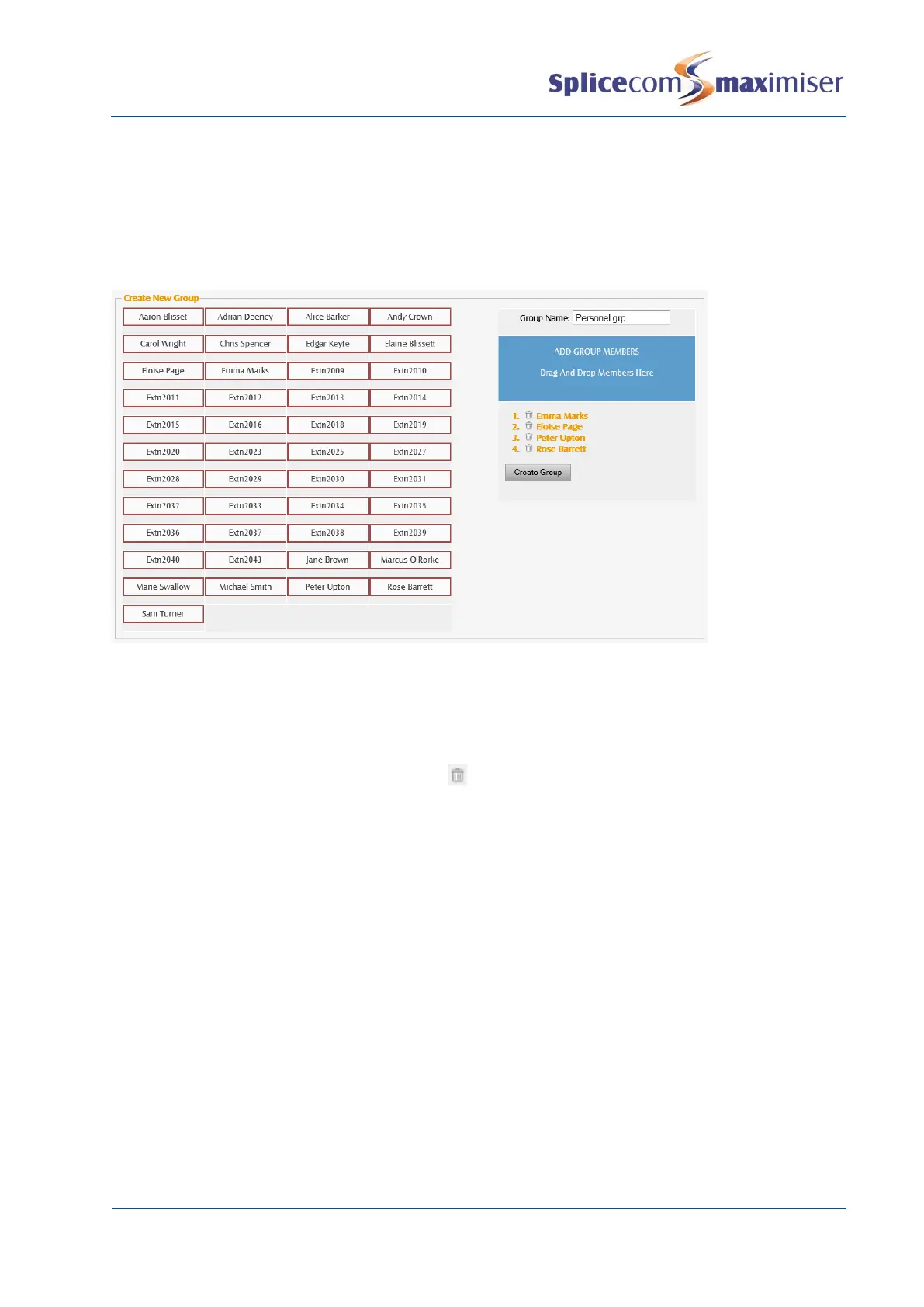
Alternatively, a Group can be created via Manager Assist>Configuration Aids>Groups – Create New
Group.
If you enter any invalid text into the Group Name: box the field will turn red and a warning will be
displayed.
Please note that the Members are given an Order Number in the order they are added starting with zero
(0).
If you add a User by mistake use the Delete icon to remove this User.



 To Next Page