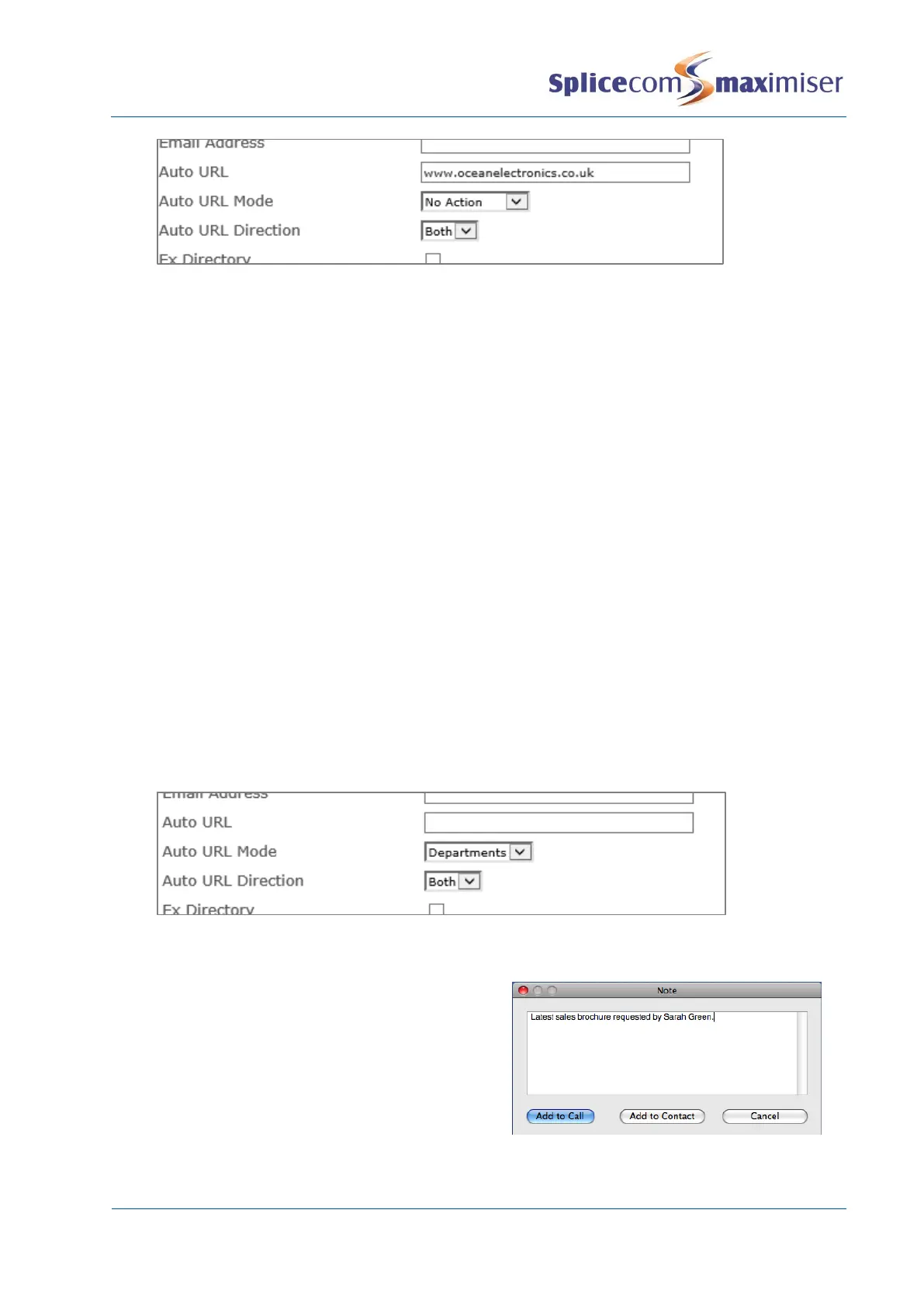
(Please note that the Auto URL settings for a Contact take priority over the Auto URL settings for a
Department.)
Displaying a Directory
When a call is received from or made to a Contact a list of Users or Departments or the User’s speed dials
can be displayed on the PCS 50 or 410/400 answering the call to enable the call to be processed
efficiently.
1 In Manager select Contacts
2 From the Contacts list select the Contact required.
3 From the Auto URL Mode list box select one of the following:
a Favourites – the User’s speed dial list will be displayed once a call to or from this Contact has
been answered
b Users – the User directory will be displayed once a call to or from this Contact has been
answered
c Departments – the Department directory will be displayed once a call to or from this Contact
has been answered
4 From the AutoURL Direction list box select one of the following:
a Bothway – the directory will be displayed on a PCS when a call is made to this Contact and on
a PCS when a call is received from this Contact
b In – the directory will only be displayed on a PCS when a call is received from this Contact
c Out – the directory will only be displayed on a PCS when a call is made to this Contact
5 Select Update or Apply when ready.
Contact Notes
During a call to or from a Contact, when using Navigate,
a PCS 60, 50, PCS 58x or 410/400, a note can be written
and stored with the Contact for future information. The
User must select Add to Contact if the note is to be
stored permanently on the database.



 To Next Page