IP Paging Microphone User Manual
5
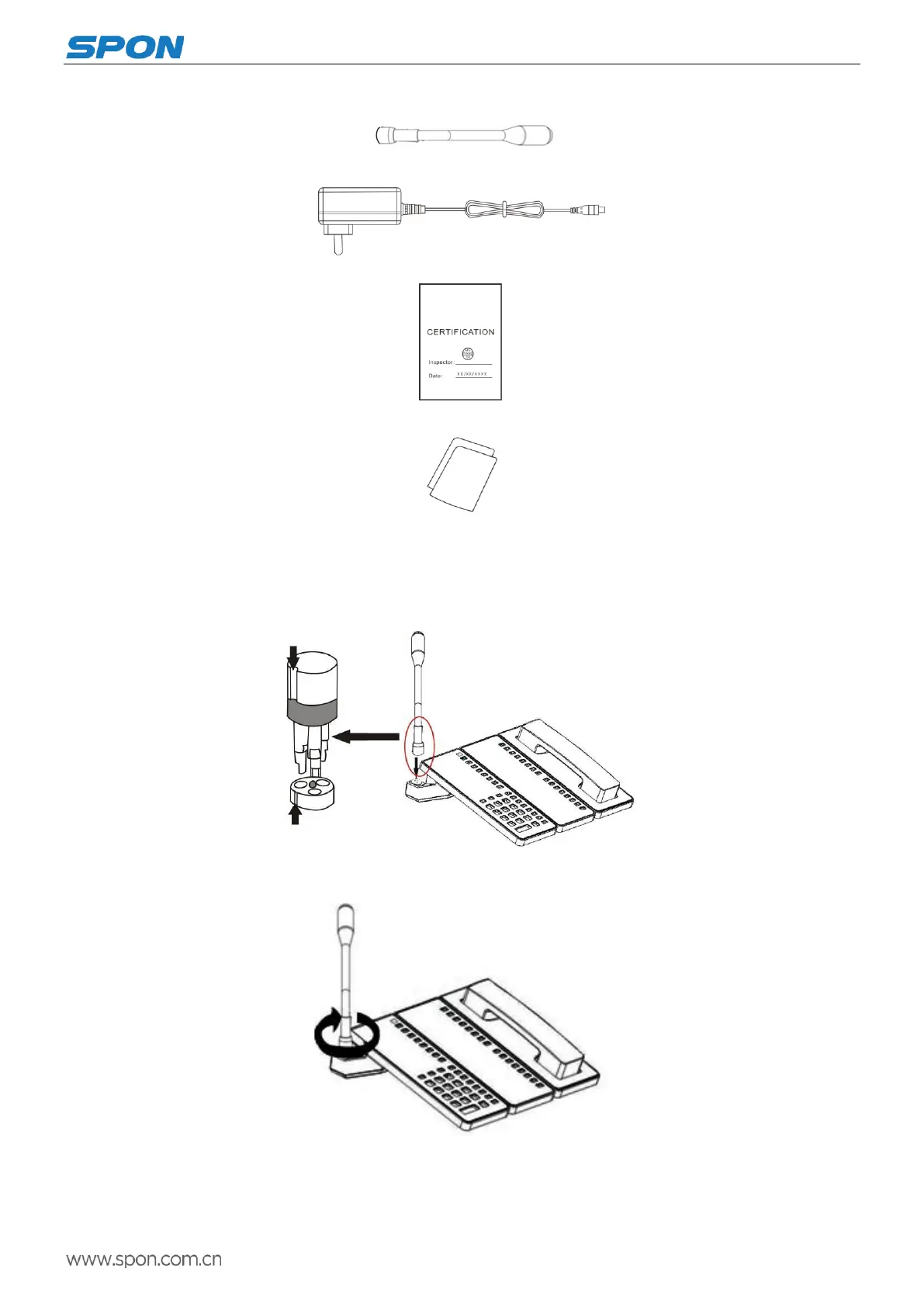
(2)Microphone pole(DC-300B) 1pcs
(3)Power adapter(DC12V/2A) 1pcs
(4)Certification 1pcs
(5)Installation instructions 1pcs
Installation
(1)Microphone pole groove install accordance with the pedestal raised groove,as follows:
(2)Screwing the rotary knob tightly according to the graphic direction
Remark: expansion panel and receiver panel is optional.



 To Next Page