65
9.11 MAINTENANCE INFORMATION DESCRIPTION
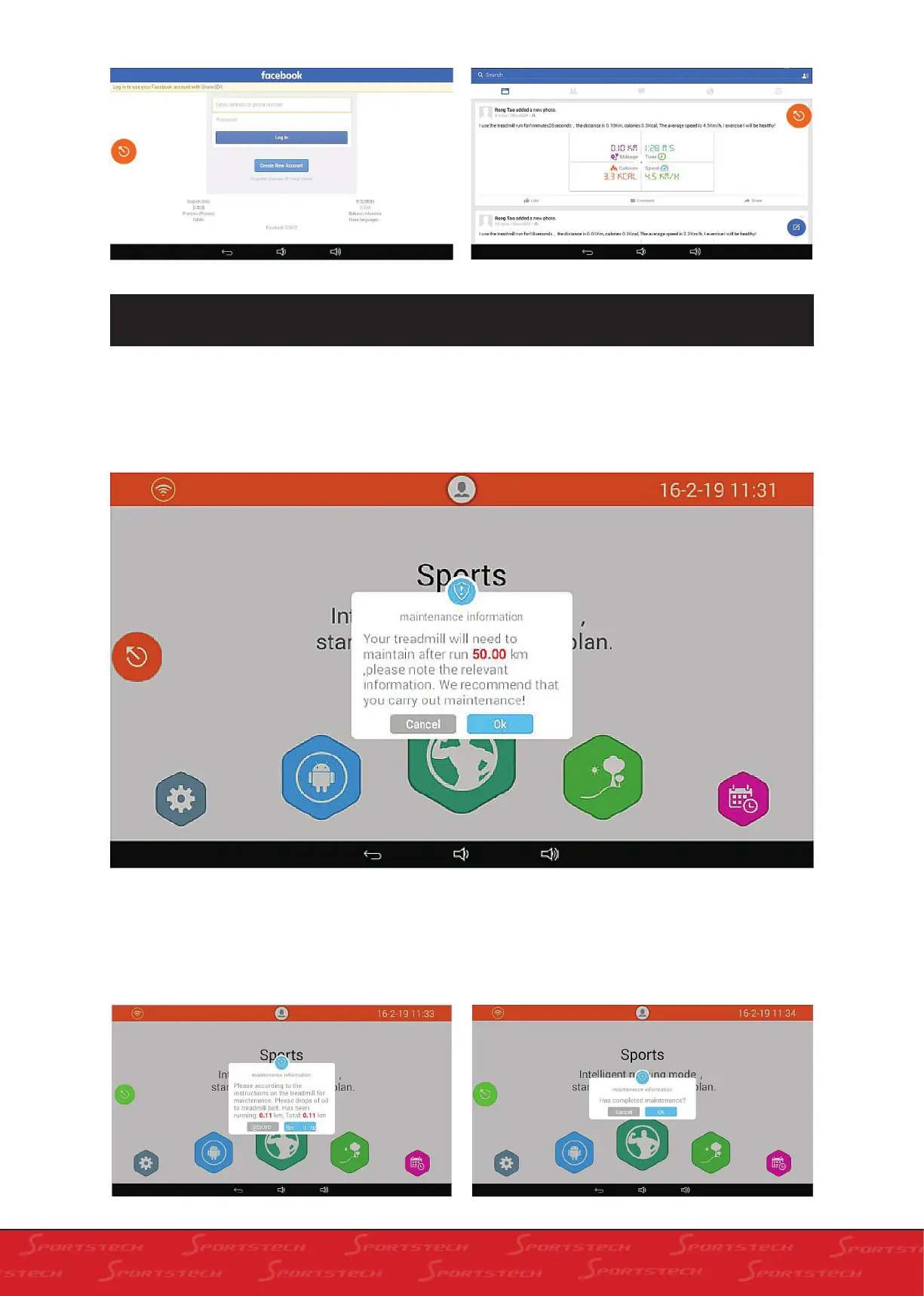
The default maintenance period of the system is 50Km. When you stop or start after running for 50km,
you will see the message of dripping oil for treadmill maintenance.
1. Click „Maintenance Information“ on the keyboard, the screen will show as below:
2. In the screen above, you will see the the run-
ning distance to be finished before maintenance.
Click „Cancel‘‘ to close the „Maintenance Infor-
mation“; Click „Ok“ to enter into the next window
as below:
3. In the following dialogue box, click „Ignore“ to
Cancel the maintenance; click „Maintained“ and
the following dialogue box will show:



 To Next Page