76
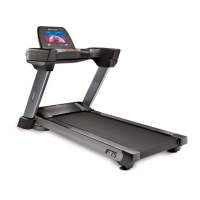
When the user clicks the button, the treadmill starts to running, and the user clicks the
back button in the upper right corner to return to the main interface to operate other operations.After
the user selects and clicks on any sport mode of the sports center interface, it will return to the heart
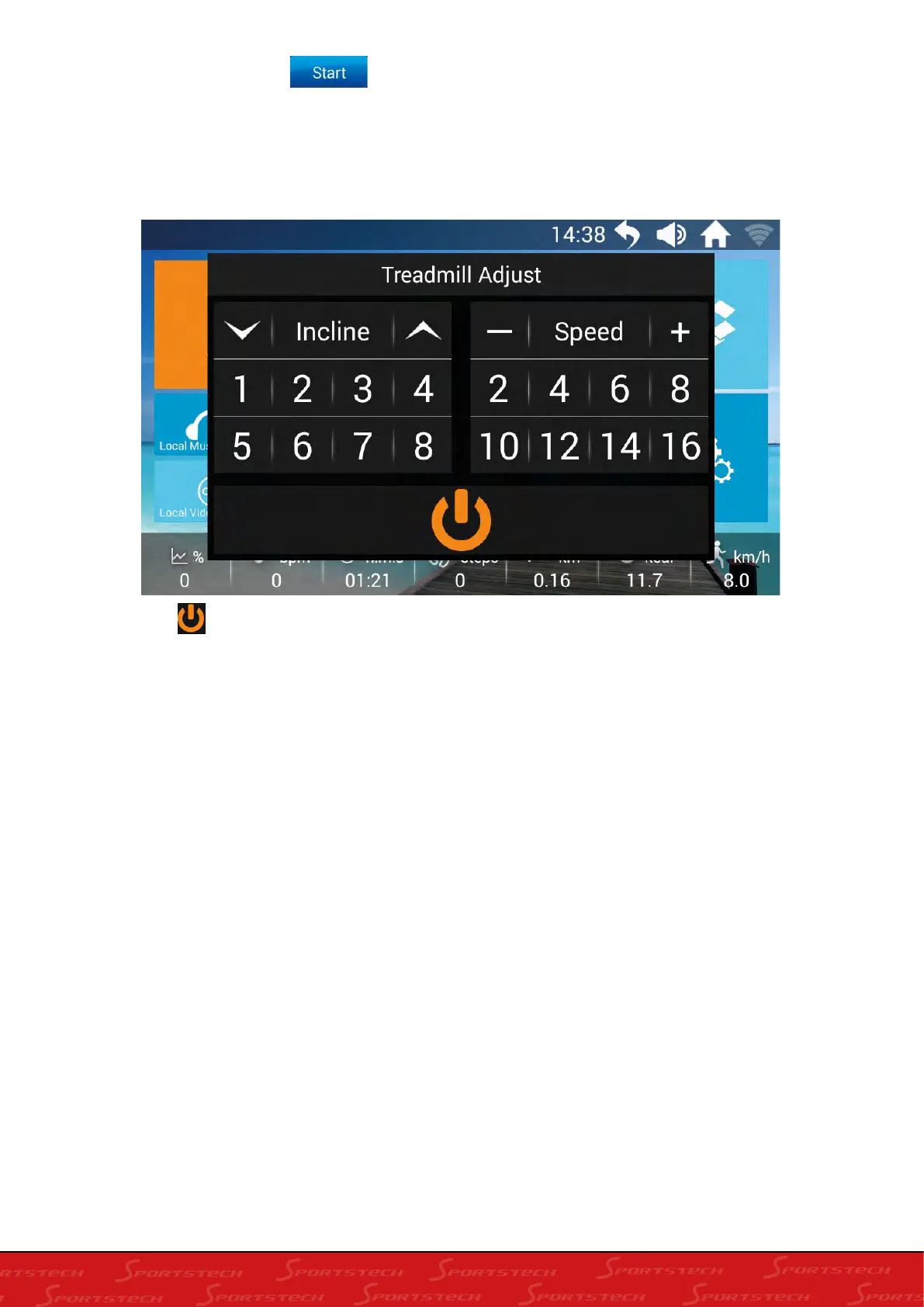
pulse control speed interface. Click any area of the screen to pop up the operation floating window
to control the treadmill;
Click the “ ” floating button, the treadmill will appear two restarts and stops for the user to
select; No operation in three seconds, this floating window is automatically closed.





 To Next Page