63
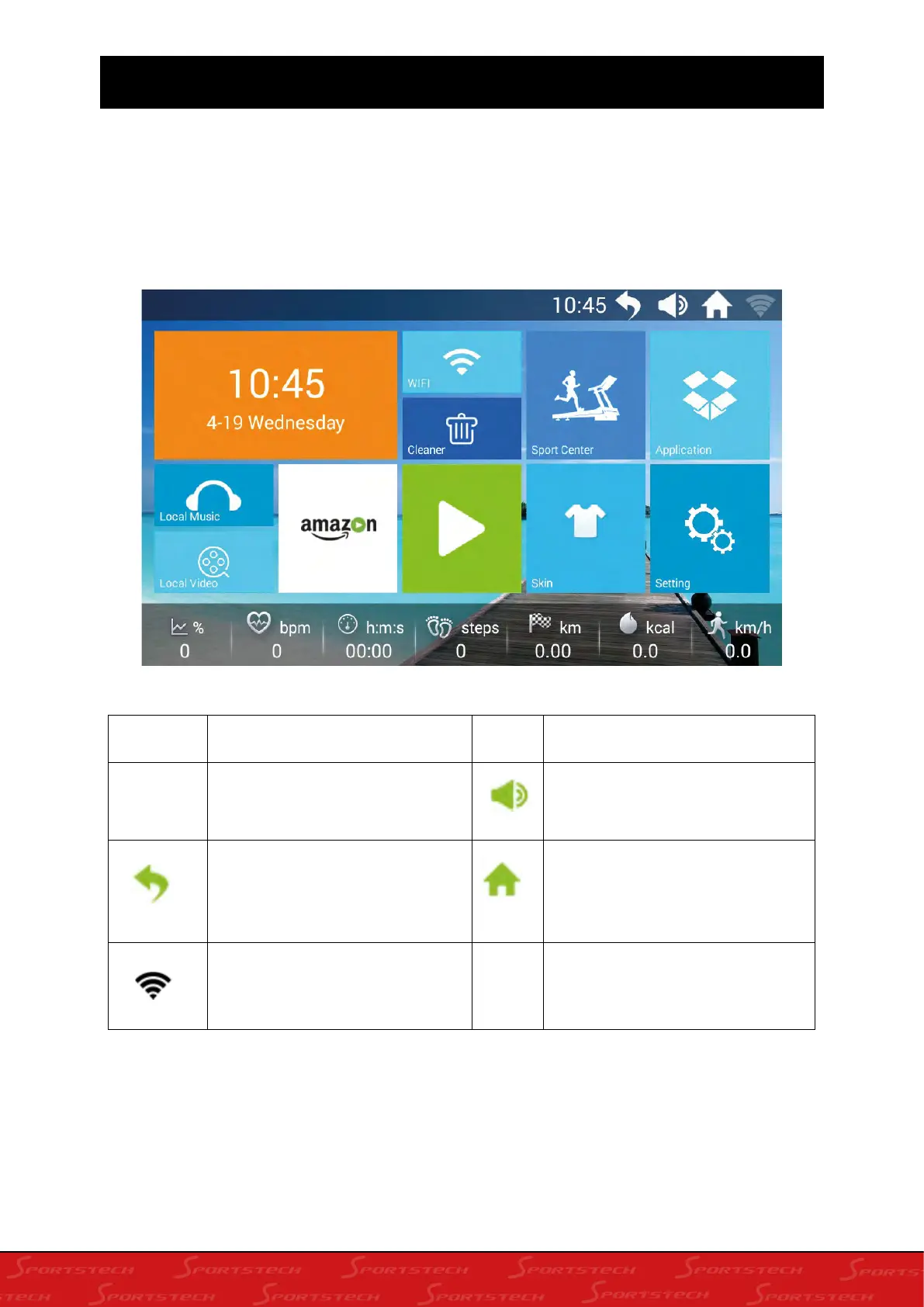
11. SCREEN DISPLAY INTERFACE
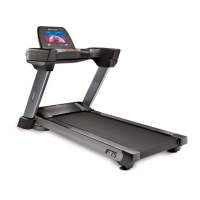
The main interface is divided into nine functional modules: weather forecast, local audio and video
(local music, local video), Internet (built-in third-party video app), WIFI connection, cleaner, skin
settings, applications, settings, sports center (Built-in time countdown, calorie countdown, distance
countdown, step countdown, program movement, heart rate control, runway mode, scene motion,
custom)
Icon
Function instruction
Icon
Function instruction
13:04
Time display: convenient for
sports people to view time
Adjustable volume:mainly for
music and video playback
Return button:can return to the
previous interface (except the
main interface)
Home button: can be returned
from any interface to the main
interface (except the main
interface)
Wifi icon:used to check
whether the system is connected
to the WIFI network.








 To Next Page