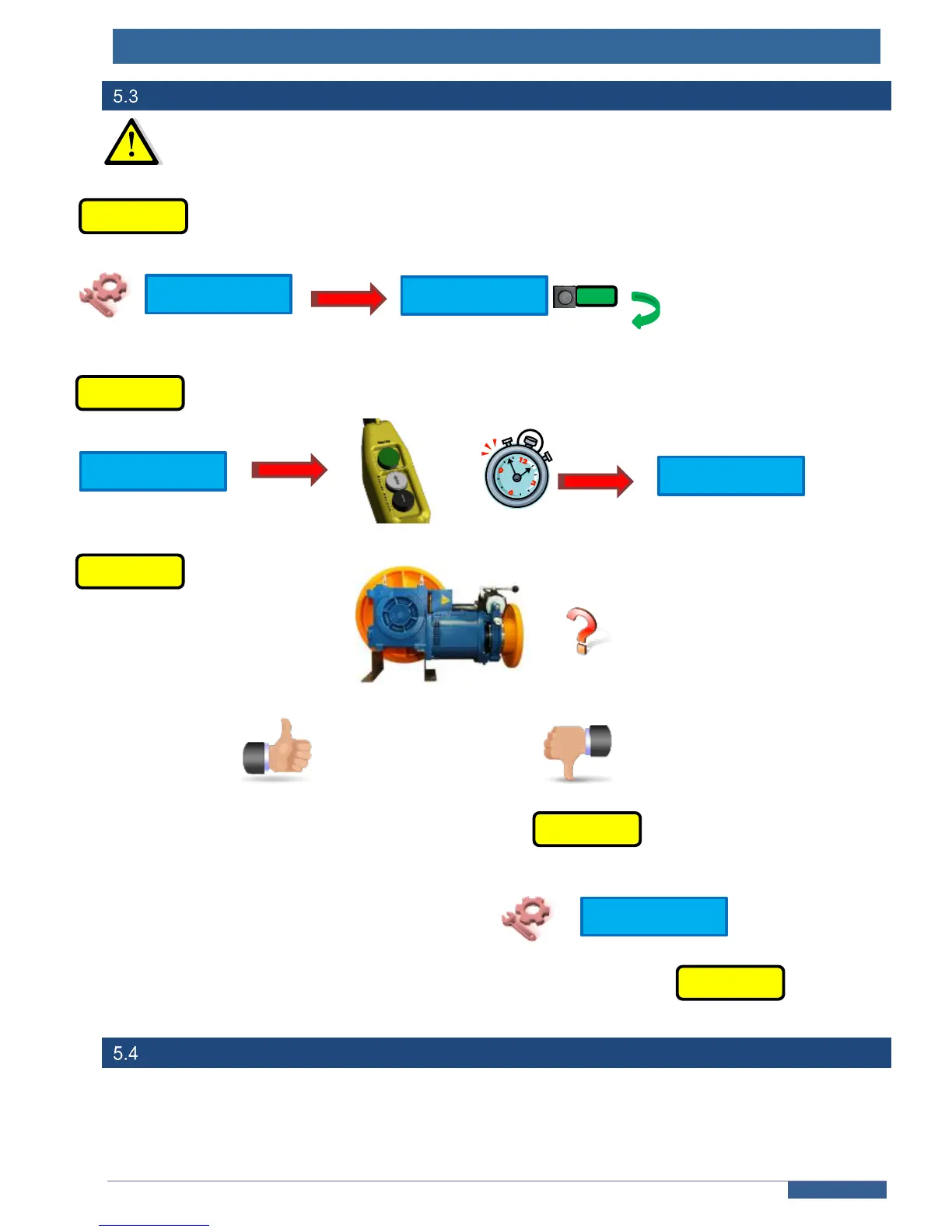
Auto Tuning procedure
Mandatory step to get the lift move. Make this setting in Emergency or Temporary
operation.
Set “YES” to launch the auto-tuning
+
MOTOR’S MOVEMENT TEST
Go to chapter 7
Choose « ACB »
Restart from
Auto-tuning wihout emergency operation’s box
If you don’ t have the specific box, switch to emergency operation by removing the AR1-M plug from the 216SP board
(bottom right corner) ; the « MR » led will light and you will see « EMERGENCY OPERATION » on the terminal
screen. Follow the steps above as described and the auto tuning will be launched as soon as the safety chain will be
closed.



 To Next Page